
ESA Launches Initiative for Game Accessibility Details
Author : Sadie
Apr 04,2025
The Entertainment Software Association (ESA) has unveiled the Accessible Games Initiative, a groundbreaking "tag" system designed to enhance video game accessibility for consumers. Announced at the Game Developers Conference, this initiative is the result of collaboration among industry giants such as Electronic Arts, Google, Microsoft, Nintendo, Sony, and Ubisoft. Additional companies like Amazon, Riot Games, Square Enix, and WB Games have also joined the effort, which will be overseen by the ESA.
Under this initiative, participating video game companies will use a set of 24 approved "tags" to label their games, providing clear information about accessibility features. These tags will be displayed alongside the game's details on digital storefronts and product pages, making it easier for players to find games that meet their specific needs.

The tags cover a wide range of features, including "clear text," "large and clear subtitles," "narrated menus," "stick inversion," "save anytime," "difficulty levels," "playable without button holds," and more. These tags aim to address various accessibility needs, from auditory and visual to gameplay and input requirements.
Stanley Pierre-Louis, ESA president and CEO, emphasized the importance of this initiative, stating, "Tens of millions of Americans have a disability and often face barriers to experiencing the joy and connection that comes with playing video games. We are immensely proud to announce the Accessible Games Initiative in partnership with industry leaders. This initiative demonstrates how impactful we can be when we work together in our industry-wide pursuit of helping more people experience the power of play."
The rollout of these tags will be gradual, implemented on a company-by-company basis, and initially available only in English. The ESA plans to potentially expand the tag system or adjust existing tags in the future to further enhance accessibility.
Accessible Games Initiative Tags:
Auditory Features
Tag: Multiple Volume Controls
Description: Separate volume controls are available for different types of sounds, allowing players to adjust music, speech, sound effects, background audio, text-to-speech audio, accessibility audio cues, and voice chat independently. Additionally, a single control can adjust all game sounds simultaneously.
Tag: Mono Sound
Description: Players can enjoy the game with mono audio, where the same audio is sent to all channels, providing a single, combined audio experience.
Tag: Stereo Sound
Description: This feature allows for stereo audio playback, where sounds indicate their left or right origin but do not convey depth or direction from above, below, ahead, or behind.
Tag: Surround Sound
Description: Players can experience surround sound, which accurately communicates the direction of sounds from any angle.
Tag: Narrated Menus
Description: Screen readers or voice narration can be used for menus and notifications, allowing players to navigate and understand game interfaces through audio cues.
Tag: Chat Speech-to-Text & Text-to-Speech
Description: This feature enables real-time conversion of text chats to speech and voice chats to text transcripts, enhancing communication accessibility.
Gameplay Features
Tag: Difficulty Levels
Description: Players can choose from multiple difficulty settings, including options that reduce the intensity of challenges, with clear descriptions of the differences between levels.
Tag: Save Anytime
Description: Players can manually save their progress at any time, except during specific scenarios like saving or loading, or when it could lead to game-breaking issues.
Input Features
Tag: Basic Input Remapping
Description: Allows players to rearrange button controls, offering flexibility in how they interact with the game.
Tag: Full Input Remapping
Description: Players can assign any game action to any control across all supported input methods, including keyboards, mice, controllers, and virtual on-screen controls.
Tag: Stick Inversion
Description: Players can invert the direction of thumbsticks or flight sticks, customizing how movement is controlled.
Tag: Playable without Button Holds
Description: The game can be played without the need to hold down buttons, though some analog inputs may still require holding.
Tag: Playable without Rapid Button Presses
Description: Eliminates the need for repetitive button actions, such as button mashing or quick-time events.
Tag: Playable with Keyboard Only
Description: The game can be fully played using only a keyboard, without the need for additional devices.
Tag: Playable with Mouse Only
Description: Players can use only a mouse to play, including with adaptive technology that maps to mouse inputs.
Tag: Playable with Buttons Only
Description: The game and menus can be controlled using only digital inputs like buttons or keys, where pressure does not affect the controls.
Tag: Playable with Touch Only
Description: Players can use only touch controls to play, without the need for non-touch inputs like buttons or analog sticks.
Tag: Playable Without Motion Controls
Description: The game can be played without the use of motion controls.
Tag: Playable Without Touch Controls
Description: Players can enjoy the game without using touchpads or touchscreens.
Visual Features
Tag: Clear Text
Description: Text in menus, control panels, and settings is displayed at a reasonable size with adjustable contrast, ensuring readability.
Tag: Large Text
Description: Players can opt for a larger font size for text in menus, control panels, and settings, enhancing visibility.
Tag: Large & Clear Subtitles
Description: Subtitles for all dialogue are available in a readable size with adjustable background transparency, ensuring they do not overlap with important game elements.
Tag: Color Alternatives
Description: Important information is communicated through shapes, patterns, icons, or text, rather than relying solely on color, with options to adjust color settings.
Tag: Camera Comfort
Description: The game avoids or allows adjustment of camera effects that could cause discomfort, such as shaking, swaying, bobbing, motion blur, or forced movement.
This initiative marks a significant step forward in making video games more accessible to a broader audience, ensuring that everyone can enjoy the immersive world of gaming.
Latest Articles

The $13 FrSara Portable Neck Fan Is an Inexpensive Solution to Beating the Summer Heat
Summer has arrived, and neck fans are seeing a surge in popularity. These portable fans offer a simple, effective, and affordable way to stay cool and comfortable. Amazon is currently offering 50% off the FrSara Rechargeable Portable Neck Fan with th
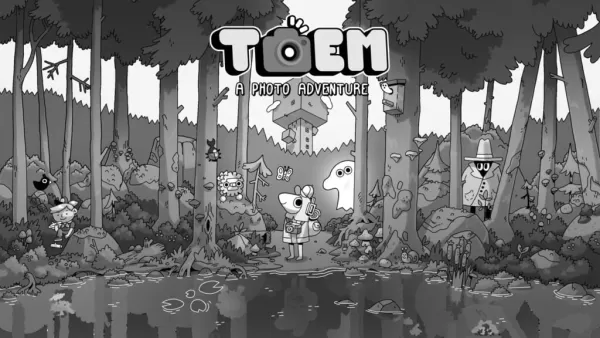
Hand-Drawn Photography Adventure Game TOEM Opens Pre-Registration on Mobile
BAFTA-winning title TOEM: A Photo Adventure arrives on mobile devices worldwide.
Developed by Swedish indie studio Something We Made, pre-registration for TOEM is now available on Android. The official release date is set for October 22nd.
Fun fact:
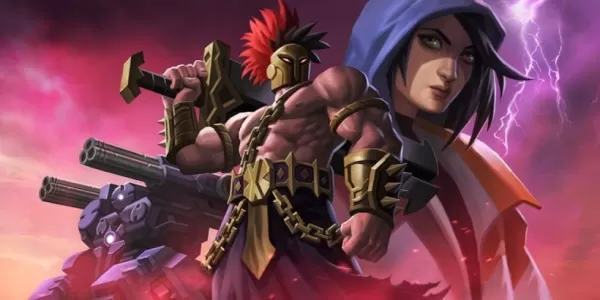
Mutants: Genesis Hits iOS, Android, Steam After Early Access
Clash Royale players finally get to witness the highly anticipated evolution of the Inferno Dragon. After nearly a decade without an upgrade, this fiery Legendary card receives a powerful transformation. The developers at Supercell teamed up with Fin
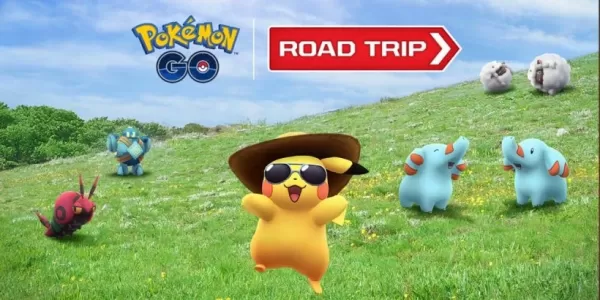
Pokemon GO Road Trip 2025 Details, Summer Pikachu Available
Experience Pokémon GO Road Trip Truck stops in the gameFind Wooloo, Phanpy, and Alolan Geodude in the wildSummer-style Pikachu makes a special appearanceIf today's new details don't get you excited for the Pokemon GO Road Trip 2025, nothing will. Thi
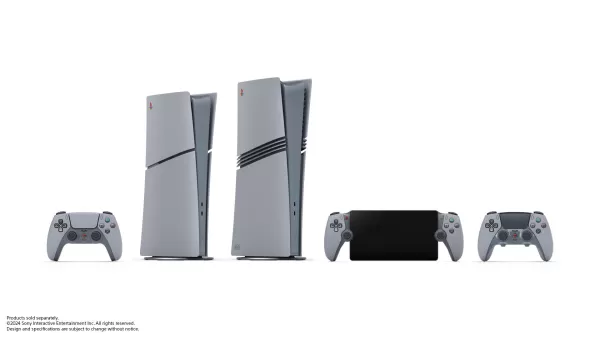
PlayStation Stars Shuts Down After 3 Years
Sony has announced the discontinuation of its PlayStation Stars loyalty program less than three years after its introduction.The rewards initiative stopped accepting new members today, with exiting participants unable to rejoin. Canceling membership
Mastering Cooking in Ragnarok X: Next Generation
Cooking in Ragnarok X: Next Generation is a dynamic system that enhances combat, resource gathering, and character progression. Preparing dishes grants temporary boosts, improving dungeon survivabilit
Latest Games

【麻雀】爽快麻雀!イーシャンテン
Board丨42.1 MB


Fun 101 Okey®
Board丨198.7 MB
Backgammon V+
Board丨14.9 MB
Fidget Pop Battle
Board丨42.5 MB

Tracks : Siren Bay
Board丨354.1 MB

通信軍人将棋(審判できます)
Board丨16.5 MB
Solitaire Fish
Card丨103.5 MB
Exploding Kittens NETFLIX
Card丨495.4 MB









Top News
MORE +


01
01-06
CDPR acknowledged weak gameplay in The Witcher 3
The Witcher 3, while critically acclaimed, wasn't without its flaws. Many fans felt the combat system fell short.
In a recent interview, Witcher 4's game director, Sebastian Kalemba, acknowledged weaknesses in the previous game's gameplay, specifically highlighting the need for significant improvem
02
01-07
BREAKING: Flight Simulator 2024 Login Woes Ground Players
Flight Simulator 2024 Launch Plagued by Technical Difficulties
The highly anticipated launch of Flight Simulator 2024 has been significantly hampered by widespread technical problems, leaving many players grounded before they could even take to the virtual skies. This article details the reported d
03
11-17
Hogwarts Legacy 2 is "One of the Biggest Priorities" for WB Games
Following the successful launch of Quidditch Champions this week, Warner Bros. Discovery has confirmed its plans for a sequel to last year's Harry Potter-based action RPG hit Hogwarts Legacy—2023's best-selling game.Hogwarts Legacy Sequel Plans Confirmed by Warner Bros. DiscoveryExpected in
04
11-16
Airplane Chefs Brings The Ultimate Snack, Pringles, On Board!
Buckle up for some snacks as Nordcurrent has just dropped an exciting event for their cooking game. It’s the most unexpected collab of Airplane Chefs and Pringles. If you’ve been enjoying your virtual life as a flight attendant, things are about to get a lot tastier.The game developer behind p
05
11-16
Play Together to collaborate with Sanrio and introduce new My Melody and Kuromi content
Play Together is bringing back its Sanrio collab with the appearance of My Melody and KuromiYou can collect coins by completing their themed missions that can then be used to draw exclusive itemsAs a bonus there's also new summer-themed content and events, including a major bug huntPlay Together, th
Topics
More +

