
Top Xbox Series X|S Monitors Reviewed
Author : Aaron
Apr 07,2025
The Microsoft Xbox Series X and Xbox Series S deliver some of the most immersive gaming experiences available today, and to truly elevate your gameplay, you need a monitor that matches their high standards. If you're considering upgrading from a TV or simply seeking a display that complements the stunning visuals of your favorite games, this curated list of the best monitors for Xbox Series X|S in 2025 is tailored just for you.
TL;DR - The Best Monitors for Xbox Series X|S:
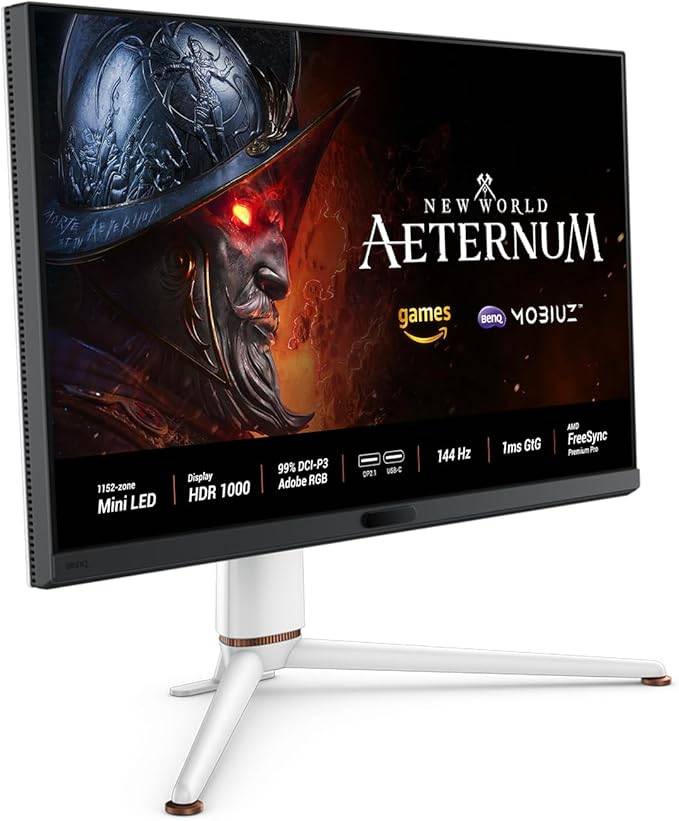 Our Top Pick### BenQ Mobiuz EX321UX
0See it at AmazonSee it at Best BuySee it at Newegg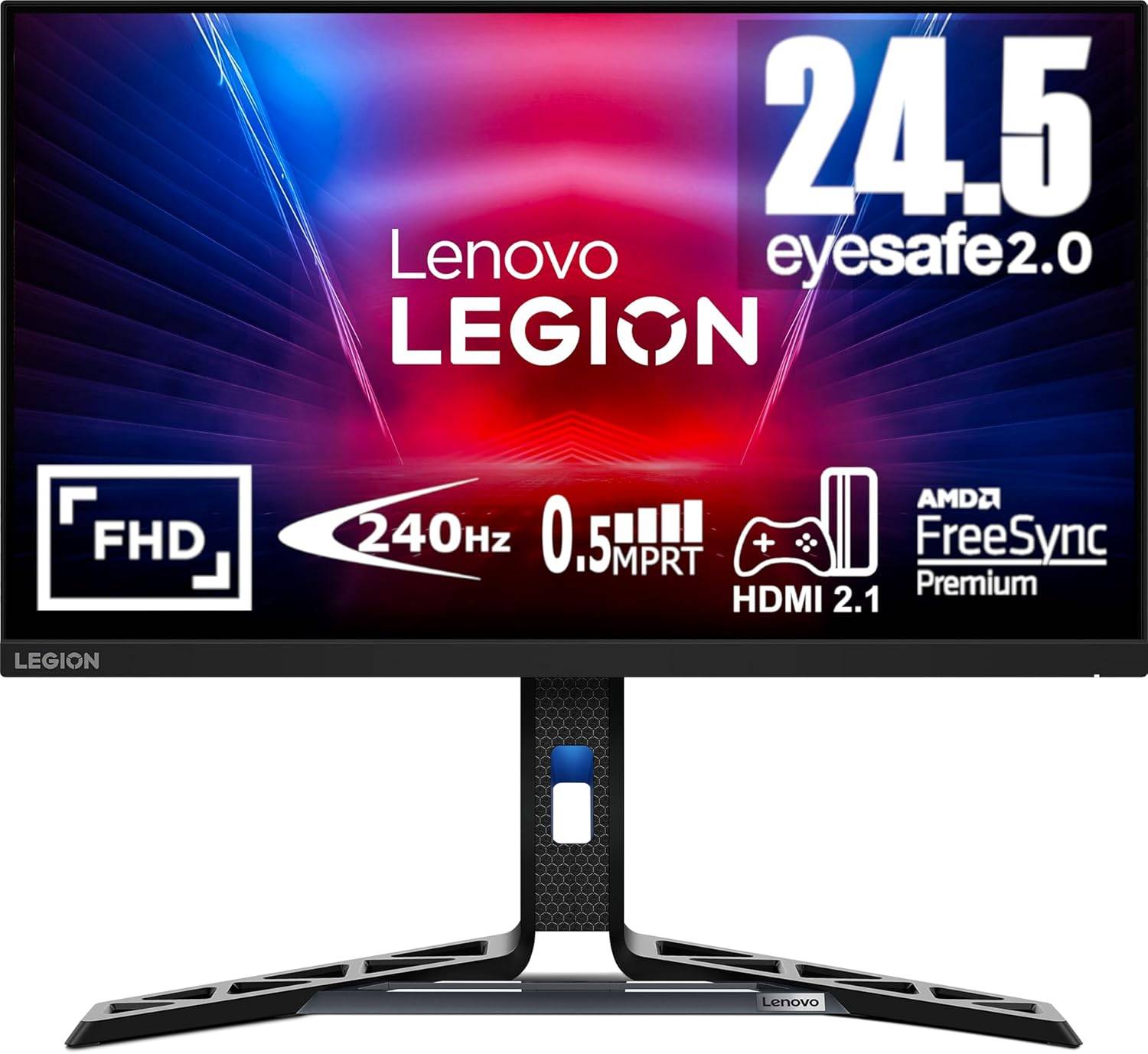 ### Lenovo Legion R25F-30
0See it at AmazonSee it at NeweggSee it at Lenovo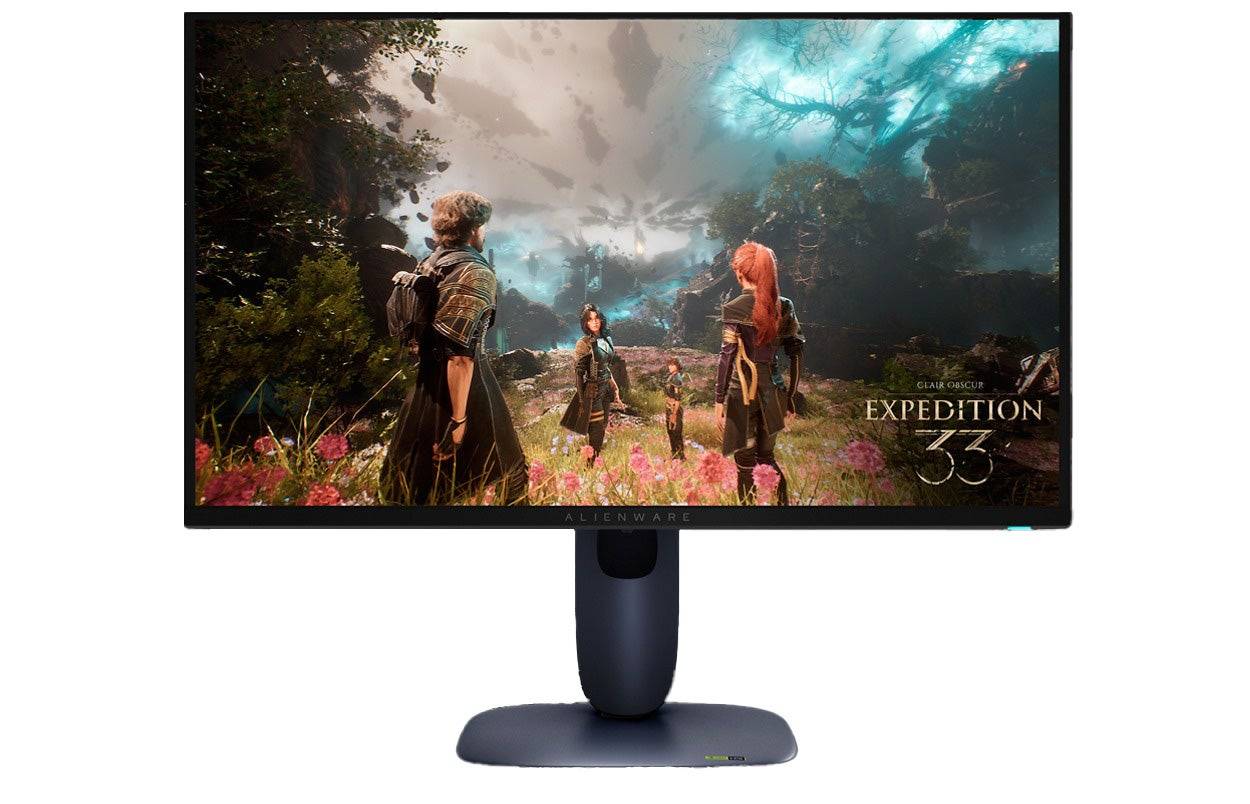 ### Dell Alienware AW2725Q
0See it at Dell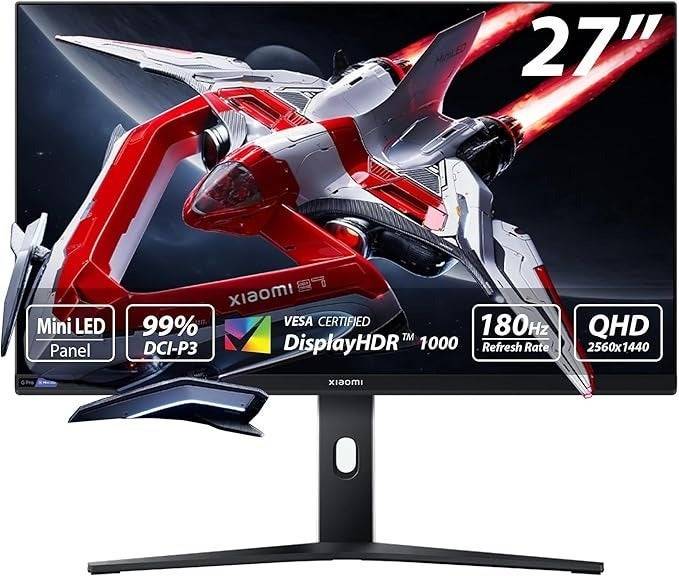 ### Xiaomi G Pro 27i
0$369.99 See it at Amazon ### Samsung Odyssey G8 (G80SD)
0See it at AmazonSee it at Best BuySee it at SamsungGaming monitors offer superior visuals and enhanced responsiveness compared to the best gaming TVs, resulting in less input lag. Designed specifically for gaming, these monitors come equipped with specialized features and picture presets, free from the unnecessary extras that can slow down smart TVs. This makes gaming monitors the go-to choice for a superior picture, better performance, and a competitive edge.
If space is at a premium or you also enjoy PC gaming, a gaming monitor is an ideal solution. Typically, these monitors are 32 inches or smaller, making them perfect for smaller spaces like bedrooms, dorms, or offices. Their compact size also means higher pixel density, which enhances the crispness and detail of your games.
The Xbox Series X can output at 4K resolution with up to 120fps, and monitors that support these specifications provide stunning visuals and additional features not found in gaming TVs. To fully leverage these capabilities, choose a monitor with HDMI 2.0 or higher for compatibility.
The Xbox Series S supports 1440p at 120fps, and there are numerous monitors that meet or exceed these specs. For optimal performance, look for monitors with HDMI 2.0, though 1080p monitors can also be a great choice for smoother gameplay.
Choosing the right gaming monitor can be daunting, especially if it's your first time. But don't worry—I've handpicked the best options to elevate your Xbox Series X|S gaming experience.
Looking to deck out your Xbox X|S? Check out our guides for the best Xbox headsets, controllers, SSDs, and other accessories.
 1. BenQ Mobiuz EX321UX
The Best Monitor for Xbox Series X|S
 Our Top Pick ### BenQ Mobiuz EX321UX
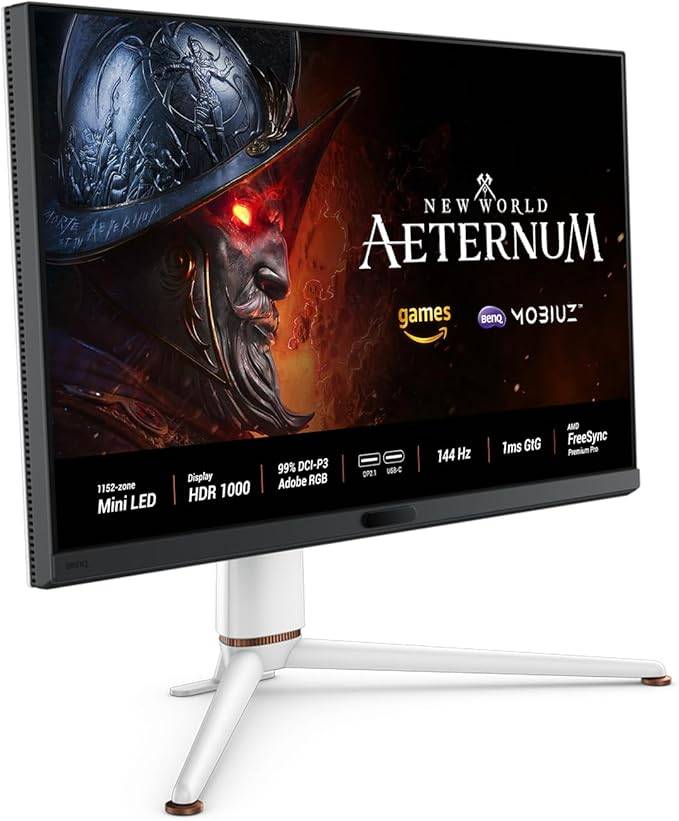
0A mini-LED marvel and the perfect companion for your XboxSee it at AmazonSee it at Best BuySee it at NeweggProduct SpecificationsScreen size32 inchesAspect ratio16:9Resolution3840 x 2160Panel typeIPS Mini-LEDHDR compatibilityHDR 10Brightness1,300 cd/m2Refresh rate240HzResponse time0.03msInputs1 x HDMI 2.1 (eARC), 2 x HDMI 2.1, 1 x DisplayPort 2.1, 1 x USB Type-C (DP, PD), 3 x USB 3.2 Type-A, 1 x USB 3.2 Type-C PROSIncredibly brightUnique picture modes Spacious and beautiful displayeARC support for soundbarsCONSMinor bloomingThe BenQ Mobiuz EX321UX stands out as an exceptional choice for Xbox gaming. Its responsiveness is top-notch, and it boasts outstanding brightness and full-array local dimming with mini-LED technology, which elevates HDR gaming to new heights. With a suite of gaming features, dynamic image quality settings, and HDMI eARC, it's the ultimate gaming monitor for Xbox enthusiasts.
The EX321UX features an IPS panel enhanced with quantum dots, delivering vibrant colors and excellent viewing angles, perfect for sharing your screen. Unlike many flagship monitors that use OLED panels, it avoids the risk of burn-in. Its mini-LED backlight achieves exceptional brightness, enhancing color vibrancy and showcasing the monitor's superior picture quality. At its peak, it can reach up to 1,300 nits, and even in SDR mode, it maintains over 700 nits, allowing for fine-tuned settings to your preference.
The local dimming zones provide remarkable contrast, surpassing that of standard IPS panels. In my review, I noted that this monitor's picture quality rivals that of OLED panels. It also features an intelligent contrast setting that adjusts black levels, ensuring you can always discern details in dark scenes.
This monitor uniquely adjusts its picture settings based on the game genre you're playing. For instance, the Fantasy setting offers vibrant, bright colors, while the Sci-Fi setting provides a more muted palette with adjusted contrast for exploring shadowy spaceships and alien landscapes.
It offers extensive connectivity options, including a robust USB hub and support for both HDMI and DisplayPort 2.1. One HDMI port supports eARC, making it easy to connect a soundbar or speakers. If you also use it for PC gaming, you'll appreciate its one-click KVM functionality, allowing quick switching between systems.
While it doesn't offer per-pixel dimming like OLED panels, it can exhibit blooming with light objects on dark backgrounds, particularly noticeable with white text. However, the small zone size minimizes this issue. Overall, it's a comprehensive package designed to cater to both console and PC gamers.
Lenovo Legion R25F-30
Best Budget Xbox Series X|S Monitor
 ### Lenovo Legion R25F-30
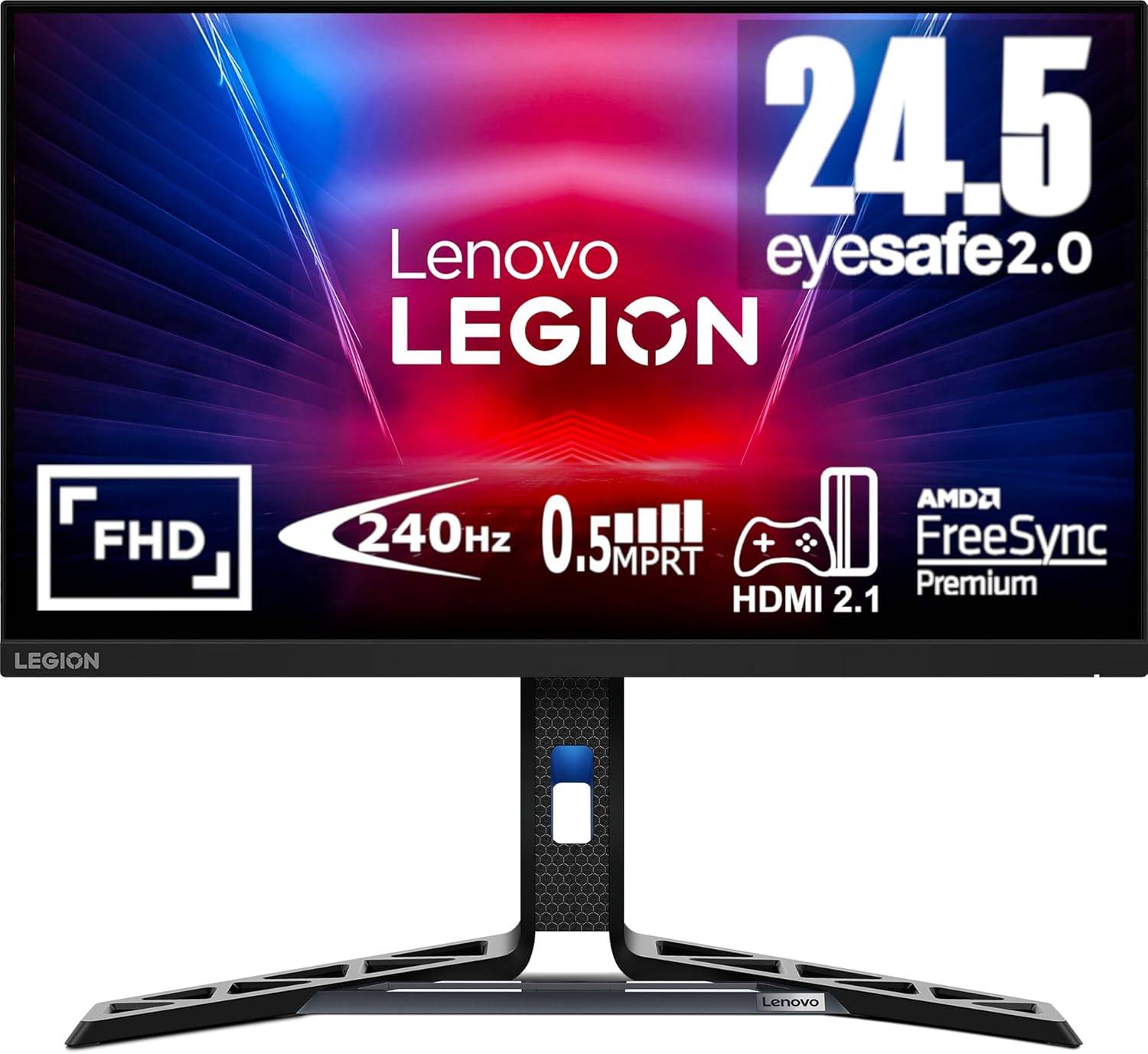
0Affordable and excellent, this monitor offers a great gaming experience without breaking the bank See it at AmazonSee it at NeweggSee it at LenovoProduct SpecificationsScreen size24 inchesAspect ratio16:9Resolution1920 x 1080Panel typeVABrightness380cd/m2Refresh rate280hzResponse time0.5msInputs2 x HDMI 2.1, 1 x DisplayPort 1.4PROSAffordable pricingGood colors and contrastAdjustable standHDMI 2.1CONSLimited brightnessIf you're seeking a cost-effective monitor for your Xbox that still delivers a stellar gaming experience, the Lenovo Legion R25F-30 is an excellent choice. Priced under $170, this 24-inch display strikes a perfect balance between image quality, responsiveness, and versatility. While it may not be the brightest, it outperforms many competitors in its price range, offering great value for money.
This monitor stands out with its VA panel, which provides deeper blacks and more lifelike shadows compared to IPS panels, without the backlight bleed. While full-array local dimming monitors offer even better contrast, they come at a significantly higher cost.
Lenovo has optimized this monitor for exceptional responsiveness, featuring a 280Hz refresh rate that reduces input latency, even though your Xbox is limited to 120Hz. This is particularly beneficial for PC gamers who can push higher frame rates. Whether you're using the Xbox Series S or Xbox Series X, you can easily enable 120Hz mode for smooth gameplay. Additionally, AMD FreeSync Premium support ensures no screen tearing.
For those who prefer not to use a headset, it includes two 3-watt speakers. While not audiophile-grade, they provide a convenient audio solution. My upcoming review will delve deeper into its performance, but I'm already impressed with its value and confidently recommend it to Xbox gamers looking for an affordable, fast monitor.
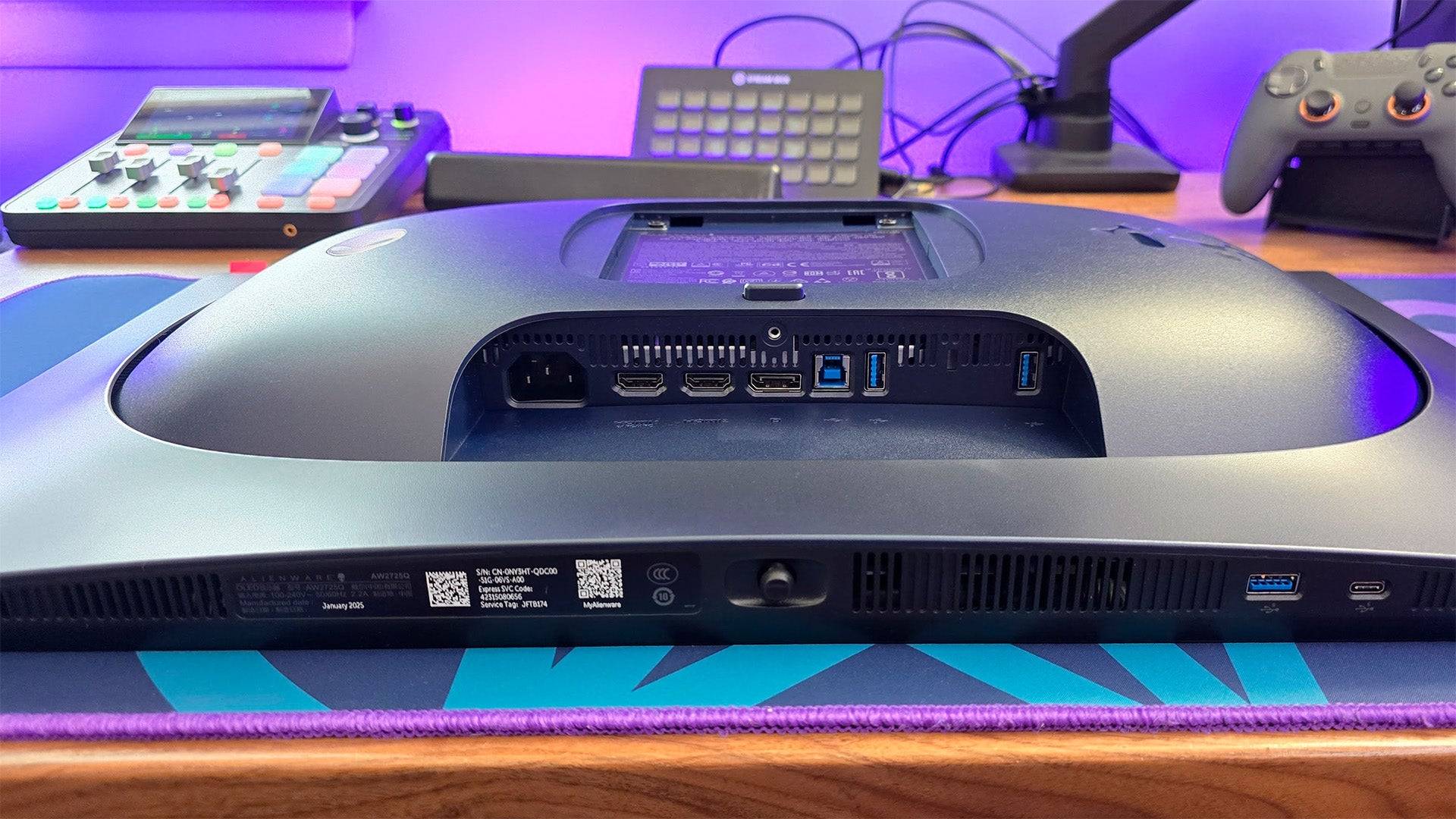
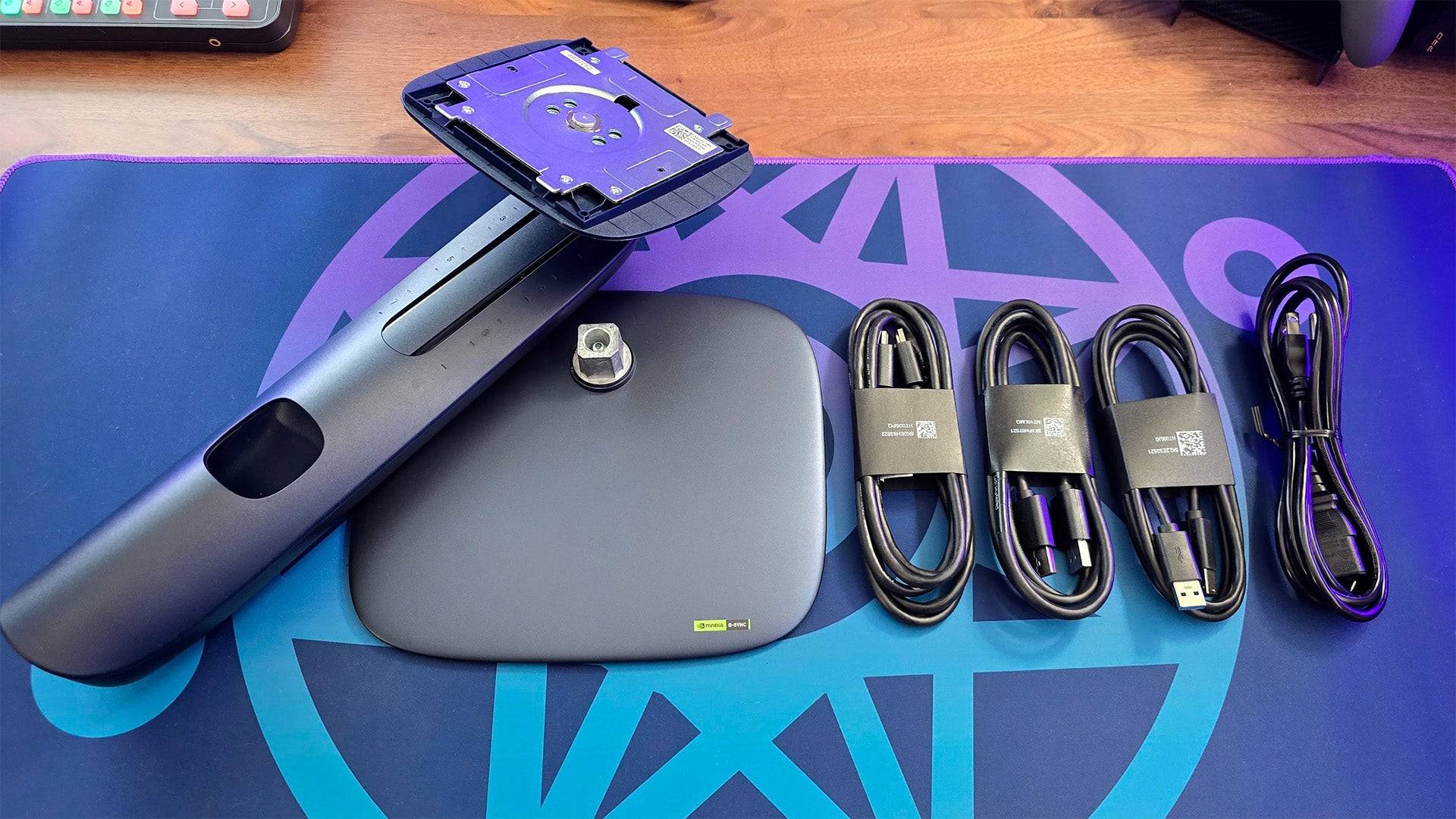
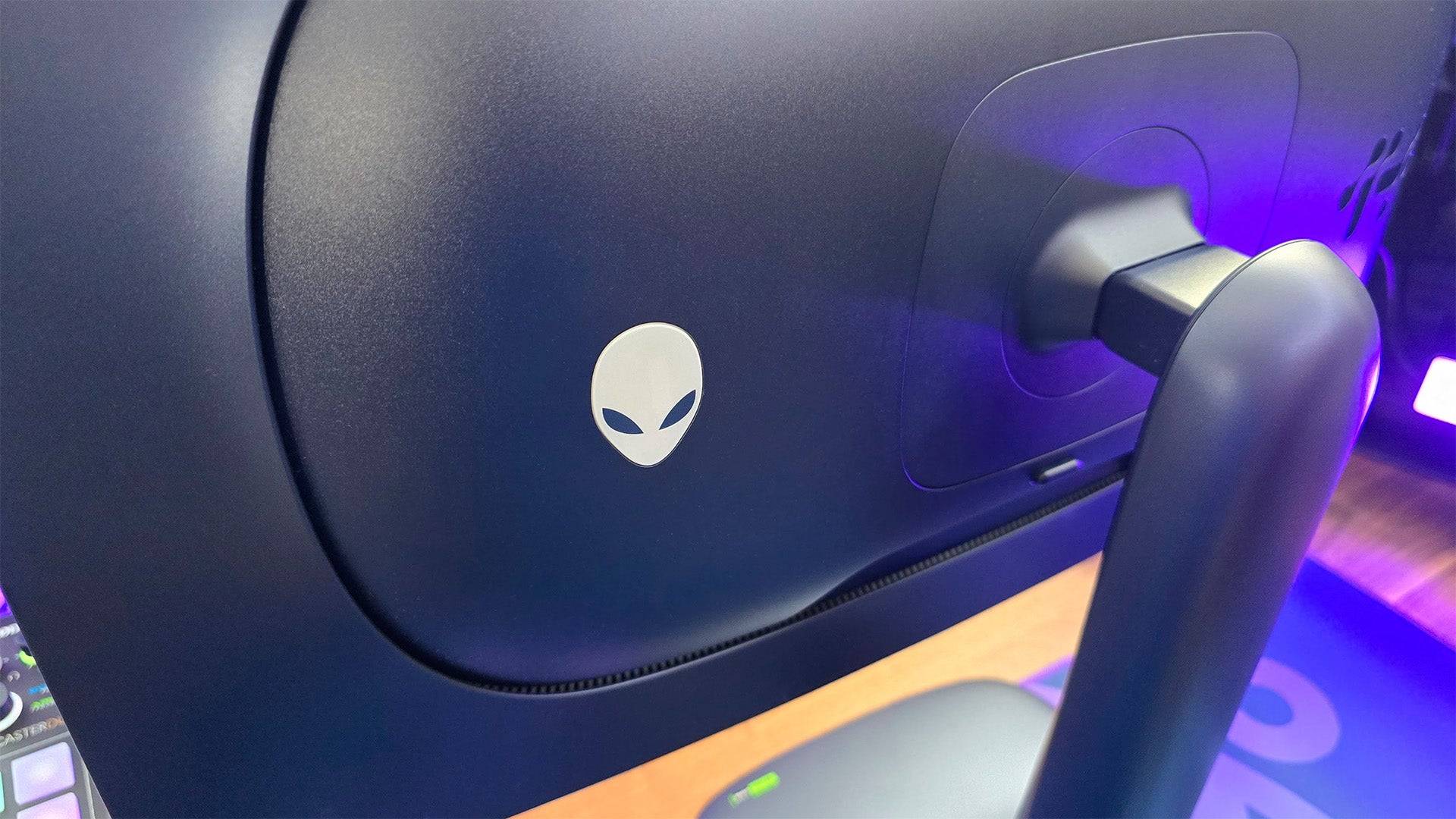
Alienware AW2725Q - Photos
 15 Images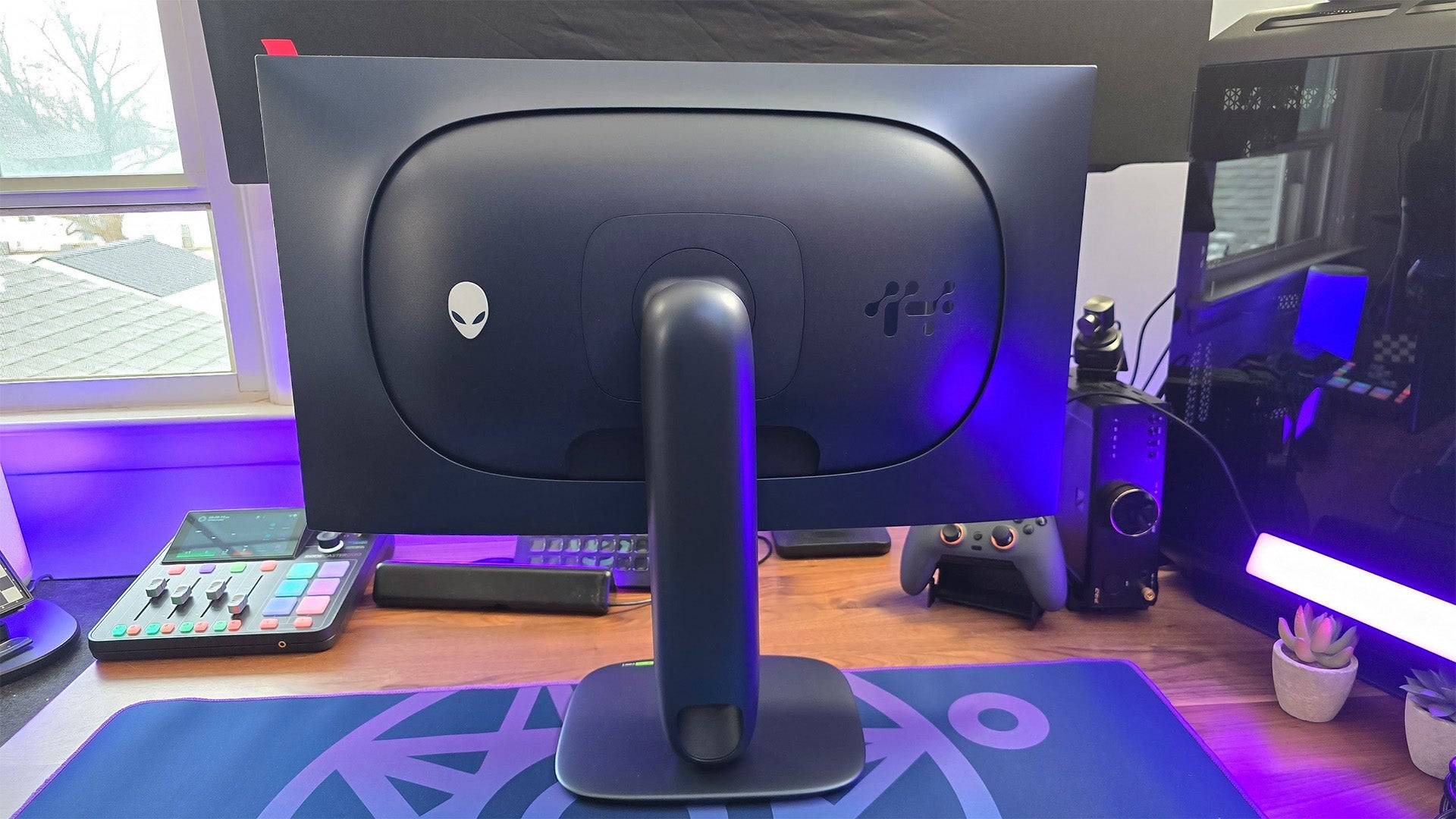
 3. Dell Alienware AW2725Q
Best 4K Xbox Series X|S Monitor
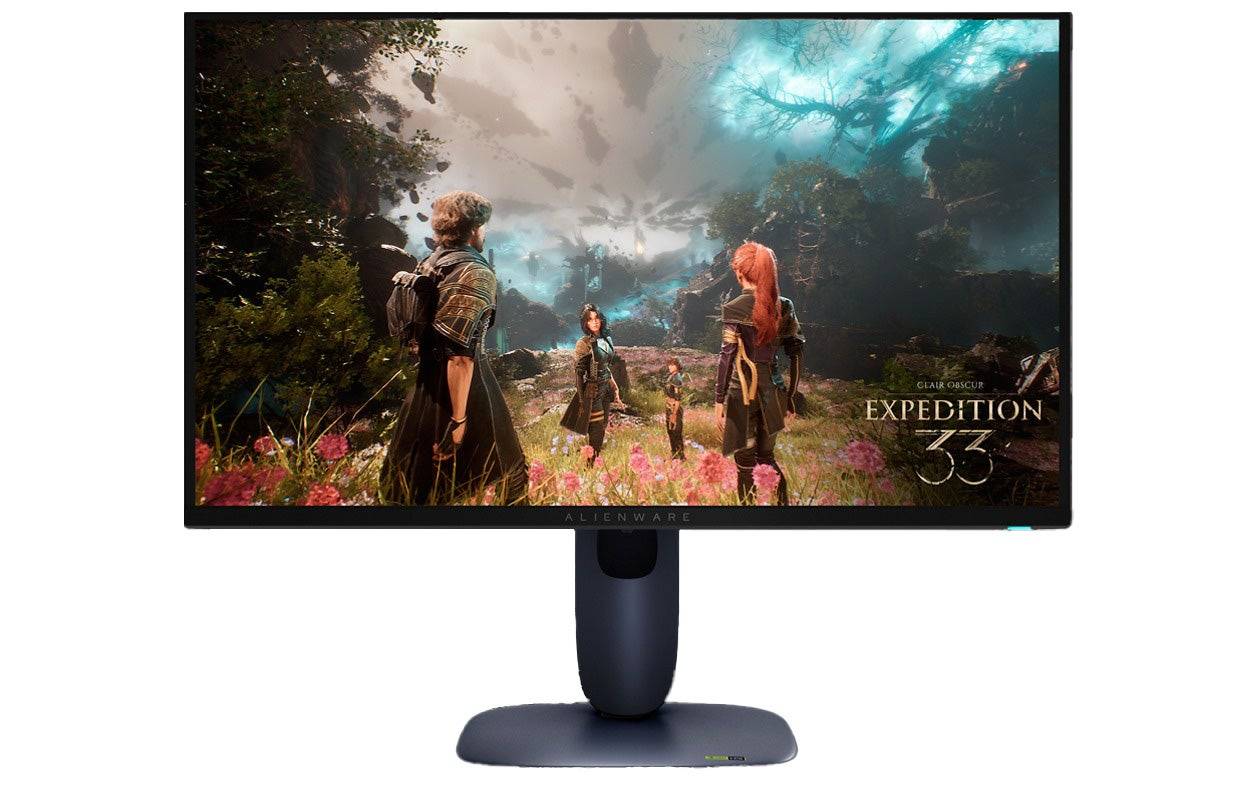 ### Dell Alienware AW2725Q
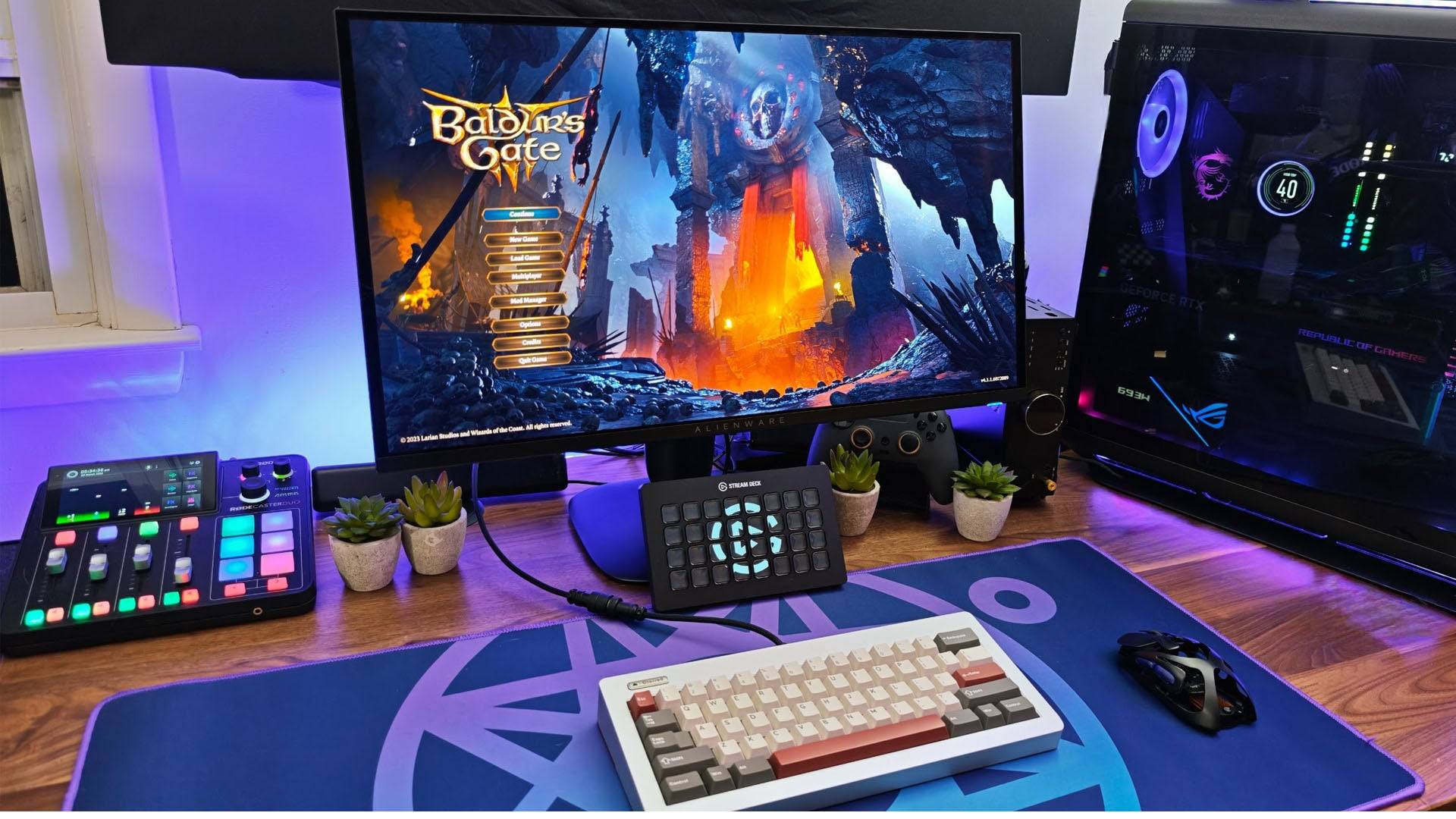
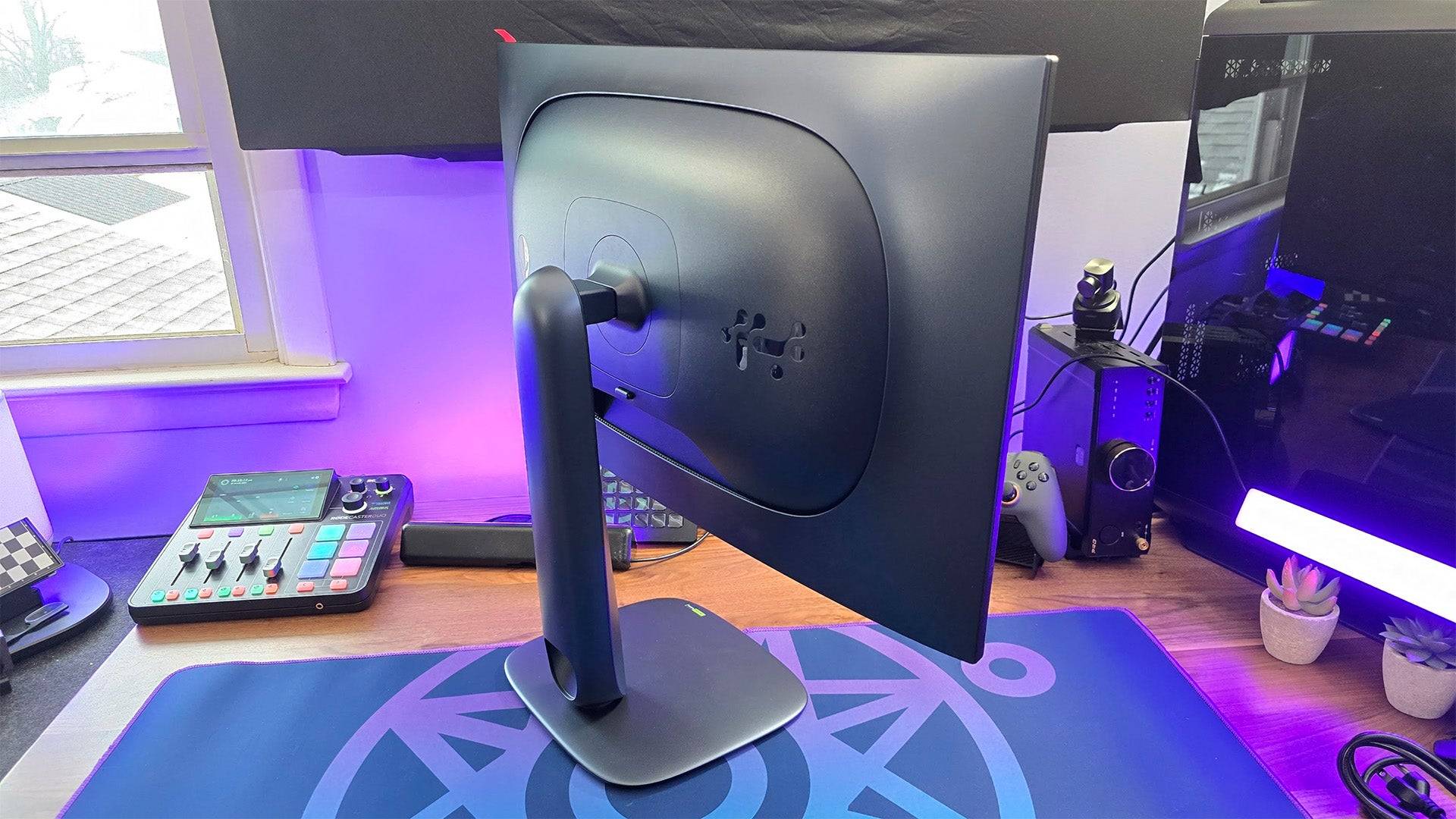
0This Alienware gaming monitor offers a great, QD-OLED picture for lessSee it at DellProduct SpecificationsScreen size26.7 inchesAspect ratio16:9Resolution3840 x 2160Panel typeQD-OLEDHDR compatibilityVESA DisplayHDR True Black 400Brightness250cd/m2Refresh rate240HzResponse time0.03msInputs 1 x HDMI 2.1 (eARC), 1 x HDMI 2.1, 1 x DisplayPort 1.4, 1 x USB Type-C (5Gbps, PD 15W), 3 x USB Type-A (5Gbps) 2 x USB 3.2PROSFantastic picture with support for Dolby VisionExceptionally responsiveSupports Xbox Series X at 4K, 120HzCONSNo KVMAlienware, a Dell subsidiary, has long been a leader in gaming monitors, and the Alienware AW2725Q exemplifies their expertise. Priced under $1,000, this monitor delivers a stunning 4K picture on a manageable 27-inch screen. Its quantum dot-enhanced OLED panel offers deep blacks and vibrant colors, with a peak brightness of 1,000 nits for exceptional HDR performance, immersing you in your favorite games.
In my earlier review, I was impressed by its picture quality and feature set. This model reflects Dell's strategy to make QD-OLED technology more affordable without compromising on quality. Its colors are rich and vibrant, its dynamic range is impressive, and once you've adjusted the settings to your liking, it competes with more expensive OLED gaming monitors.
It's user-friendly with your Xbox, thanks to HDMI 2.1 support, allowing for 4K gaming at 120Hz (and up to 240Hz on PC). It also supports Dolby Vision HDR, a feature still rare among gaming monitors. One HDMI port supports eARC for easy soundbar connection and even Dolby Atmos, enhancing your gaming audio experience without needing a headset.
The monitor lacks a KVM for quick accessory switching between platforms, which might be a minor inconvenience for controller users. As with all OLEDs, be mindful of SDR brightness in direct sunlight and take precautions against burn-in, though the monitor includes protective features to mitigate this risk.
For 4K gaming, the Alienware AW2725Q is a top choice.
4. Xiaomi G Pro 27i
Best 1440p Xbox Series X|S Monitor
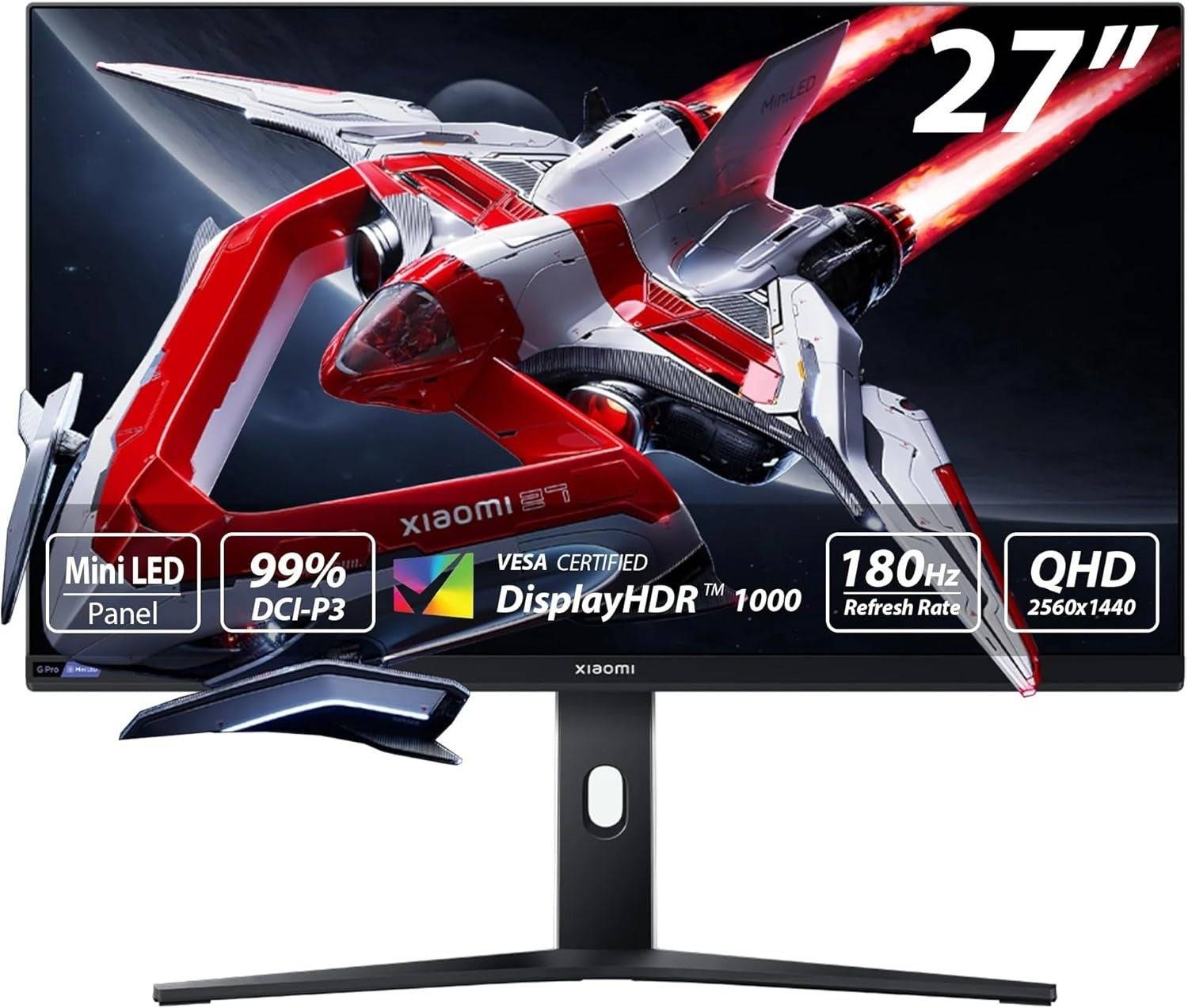 ### Xiaomi G Pro 27i Mini-LED Gaming Monitor
2Incredible picture quality at an awesome price. See it at AmazonProduct SpecificationsScreen size27"Aspect ratio16:9Resolution2,560 x 1,440Panel typeIPSHDR compatibilityHDR1000Brightness1,000 nitsRefresh rate180HzResponse time1ms (GTG)Inputs2 x DisplayPort 1.4, 2 x HDMI 2.0, 1 x 3.5mm AudioPROSTremendous value1,152 local dimming zones delivers outstanding contrast and HDR1,000 cdm/2 peak brightnessStylish design with versatile standCONSNo added gaming featuresNo built-in USB hubXiaomi's G Pro 27i is a game-changer, offering picture quality that rivals monitors costing twice as much, all for under $400. Whether you're gaming on the Xbox Series S or Xbox Series X, this monitor is an outstanding choice for 1440p and HDR gaming.
The secret to its success is the mini-LED backlight. The monitor uses a quantum dot-enhanced IPS panel to deliver rich, vibrant, and accurate colors right out of the box. The mini-LED backlight enables full-array local dimming with precision that's unmatched at this price point. With 1,152 local dimming zones, blooming is minimal, making it a joy to use. In my review, I noted that blooming was only noticeable on dark gray backgrounds, like in Adobe Photoshop, but it was so minor that I kept local dimming on constantly.
Beyond its contrast, the monitor's peak brightness reaches 1,000 nits, making highlights pop. Its standard brightness also surpasses that of pricier OLED competitors, ensuring a fantastic HDR gaming experience.
Xiaomi managed to keep the price low, but there are some compromises. There are no USB ports on the back, so you'll need to physically move your peripherals between devices. Additionally, it lacks dedicated gaming features beyond its picture presets. However, it supports AMD FreeSync, HDR, and can handle 1440p at 120Hz.
Despite these minor drawbacks, the Xiaomi G Pro 27i's performance and price make it an unbeatable choice, and I've been singing its praises since my initial testing.
 5. Samsung Odyssey G8 (G80SD)
Best Smart Monitor/TV Replacement for Series X|S
### Samsung Odyssey G8 (G80SD)
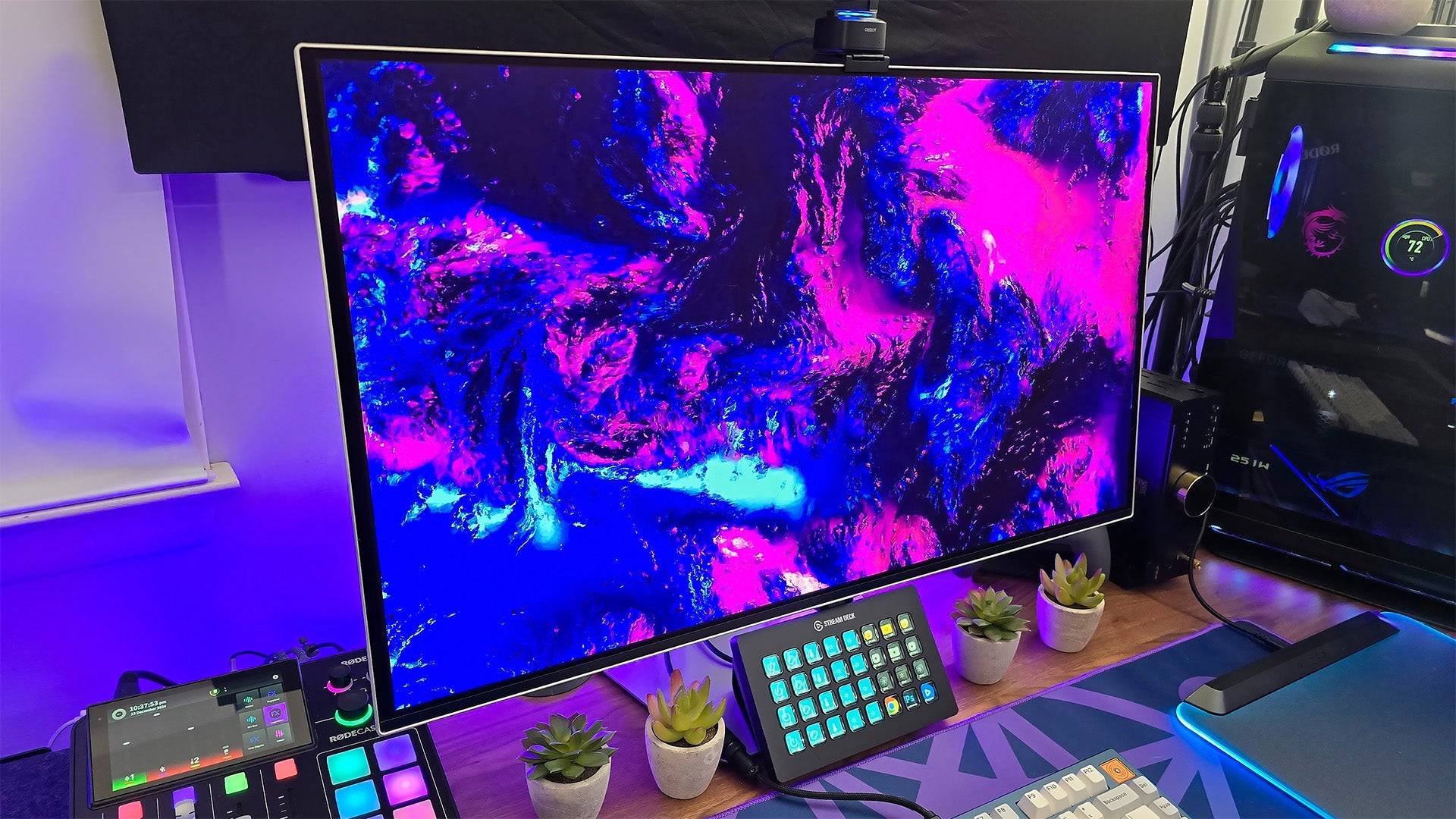
0Part TV, part gaming monitor, all of the performance.See it at AmazonSee it at Best BuySee it at SamsungProduct SpecificationsScreen size32 inchesAspect ratio16:9Resolution3840x2160Panel typeQD-OLED, Adaptive-Sync, G-Sync CompatibleHDR compatibilityHDR10, HDR10+Brightness250cd/m2Refresh rate240hz Response time0.3msInputs2 x HDMI 2.1, 1 x DisplayPort 1.4, 2 x USB Type-APROSSpacious screenBuilt-in video and game streaming servicesCan act as a complete TV replacement CONSTizen OS can feel intrustive2025 marks the year when smart monitors truly bridge the gap between TVs and gaming monitors. The Samsung Odyssey G8 (G80SD) is a prime example, seamlessly blending these categories. While its Tizen OS might feel intrusive for PC gamers, it's a perfect fit for Xbox users, allowing the G8 to serve as a complete TV replacement.
The G80SD combines the functionality of a smart TV with the performance of a gaming monitor. Upon setup, you'll go through a process similar to a TV, connecting to Wi-Fi, logging into accounts, and selecting apps. Once set up, you'll have access to live broadcasts, streaming services, and premium channels, along with game streaming apps like Xbox Cloud and Nvidia GeForce Now, enabling gaming without any additional hardware.
When connected to your Xbox, it transforms into an excellent gaming monitor. Its QD-OLED panel delivers infinite contrast, vibrant colors, and high peak brightness, with picture settings that are user-friendly and reminiscent of a TV. You'll enjoy rich colors, deep blacks, and realistic highlights, all hallmarks of a high-performance Samsung display. For content creation, its out-of-the-box color accuracy may need some tweaking, but with a bit of adjustment, it can look fantastic.
If you're in a space-constrained environment and need a single screen for all your entertainment needs, the Samsung Odyssey G8 (G80SD) is an excellent choice.
Gaming Monitors for Xbox Series X|S FAQ
Is a gaming monitor better than a TV for Xbox?
Gaming monitors generally offer superior performance in terms of specs, but the best choice depends on your preferences. If you prefer gaming from the couch and enjoy the big-screen experience, a high-quality TV is unbeatable. However, for the best responsiveness and up-close image quality, a gaming monitor is the way to go, though often at a higher cost. The difference between gaming monitors and TVs for Xbox has never been closer, but monitors still hold the edge in performance.
Can I use an ultrawide monitor with my Xbox?
Technically, yes, but it's not recommended. Current Xbox consoles support only standard widescreen (16:9) aspect ratios. Using an ultrawide monitor will result in black bars on the sides, and manufacturers may omit console-friendly features like HDMI eARC.
What is the best resolution for a gaming monitor for Xbox?
The ideal resolution depends on your Xbox model. For Xbox Series S, a 1440p or even 1080p monitor might be more suitable to match its performance. For Xbox Series X, 4K is the natural choice. Consider the refresh rate as well; the Xbox Series X can play games at up to 120fps at 4K, but a 4K, 120Hz monitor can be expensive. Many games upscale from 1440p, so a 1440p monitor with HDMI 2.0 can be a cost-effective alternative.
When can you find discounts on Xbox Series X|S monitors?
The best times to find discounts on Xbox-compatible monitors are during major sales events. Black Friday weekend typically offers the biggest discounts, while Amazon Prime Day is another excellent opportunity for gaming monitor deals. Keep an eye on tech clearance sales at major retailers like Best Buy and Walmart throughout the year.
Latest Articles

The $13 FrSara Portable Neck Fan Is an Inexpensive Solution to Beating the Summer Heat
Summer has arrived, and neck fans are seeing a surge in popularity. These portable fans offer a simple, effective, and affordable way to stay cool and comfortable. Amazon is currently offering 50% off the FrSara Rechargeable Portable Neck Fan with th

Hand-Drawn Photography Adventure Game TOEM Opens Pre-Registration on Mobile
BAFTA-winning title TOEM: A Photo Adventure arrives on mobile devices worldwide.
Developed by Swedish indie studio Something We Made, pre-registration for TOEM is now available on Android. The official release date is set for October 22nd.
Fun fact:

Mutants: Genesis Hits iOS, Android, Steam After Early Access
Clash Royale players finally get to witness the highly anticipated evolution of the Inferno Dragon. After nearly a decade without an upgrade, this fiery Legendary card receives a powerful transformation. The developers at Supercell teamed up with Fin

Pokemon GO Road Trip 2025 Details, Summer Pikachu Available
Experience Pokémon GO Road Trip Truck stops in the gameFind Wooloo, Phanpy, and Alolan Geodude in the wildSummer-style Pikachu makes a special appearanceIf today's new details don't get you excited for the Pokemon GO Road Trip 2025, nothing will. Thi
PlayStation Stars Shuts Down After 3 Years
Sony has announced the discontinuation of its PlayStation Stars loyalty program less than three years after its introduction.The rewards initiative stopped accepting new members today, with exiting participants unable to rejoin. Canceling membership

Mastering Cooking in Ragnarok X: Next Generation
Cooking in Ragnarok X: Next Generation is a dynamic system that enhances combat, resource gathering, and character progression. Preparing dishes grants temporary boosts, improving dungeon survivabilit
Latest Games
Exploding Kittens NETFLIX
Card丨495.4 MB

Batak Master
Card丨12.9 MB

Star Realms
Card丨94.2 MB
ChinChón Zingplay Juego Online
Card丨172.1 MB

Gin Rummy Super - Card Game
Card丨106.4 MB

Aftermagic
Card丨135.5 MB

Shanghai Chinese Chess Mahjong
Casino丨12.0 MB

Keno 20 Card
Casino丨43.2 MB









Top News
MORE +


01
01-06
CDPR acknowledged weak gameplay in The Witcher 3
The Witcher 3, while critically acclaimed, wasn't without its flaws. Many fans felt the combat system fell short.
In a recent interview, Witcher 4's game director, Sebastian Kalemba, acknowledged weaknesses in the previous game's gameplay, specifically highlighting the need for significant improvem
02
01-07
BREAKING: Flight Simulator 2024 Login Woes Ground Players
Flight Simulator 2024 Launch Plagued by Technical Difficulties
The highly anticipated launch of Flight Simulator 2024 has been significantly hampered by widespread technical problems, leaving many players grounded before they could even take to the virtual skies. This article details the reported d
03
11-17
Hogwarts Legacy 2 is "One of the Biggest Priorities" for WB Games
Following the successful launch of Quidditch Champions this week, Warner Bros. Discovery has confirmed its plans for a sequel to last year's Harry Potter-based action RPG hit Hogwarts Legacy—2023's best-selling game.Hogwarts Legacy Sequel Plans Confirmed by Warner Bros. DiscoveryExpected in
04
11-16
Airplane Chefs Brings The Ultimate Snack, Pringles, On Board!
Buckle up for some snacks as Nordcurrent has just dropped an exciting event for their cooking game. It’s the most unexpected collab of Airplane Chefs and Pringles. If you’ve been enjoying your virtual life as a flight attendant, things are about to get a lot tastier.The game developer behind p
05
11-16
Play Together to collaborate with Sanrio and introduce new My Melody and Kuromi content
Play Together is bringing back its Sanrio collab with the appearance of My Melody and KuromiYou can collect coins by completing their themed missions that can then be used to draw exclusive itemsAs a bonus there's also new summer-themed content and events, including a major bug huntPlay Together, th
Topics
More +

