
Hyper Light Breaker: Mastering Lock-On Targeting
Author : Ryan
Apr 18,2025
Quick Links
Hyper Light Breaker is a game shrouded in mystery, where players gradually uncover its mechanics and learn to master its intricacies. Among these, the lock-on system stands out as a crucial targeting mechanic. While locking onto a target can be beneficial for focusing on a single enemy, it's not always the best approach. This guide will delve into how to effectively target enemies in Hyper Light Breaker and provide insights on when to use the lock-on feature versus the default free camera mode in this Synthwave roguelite.
How To Target Enemies In Hyper Light Breaker
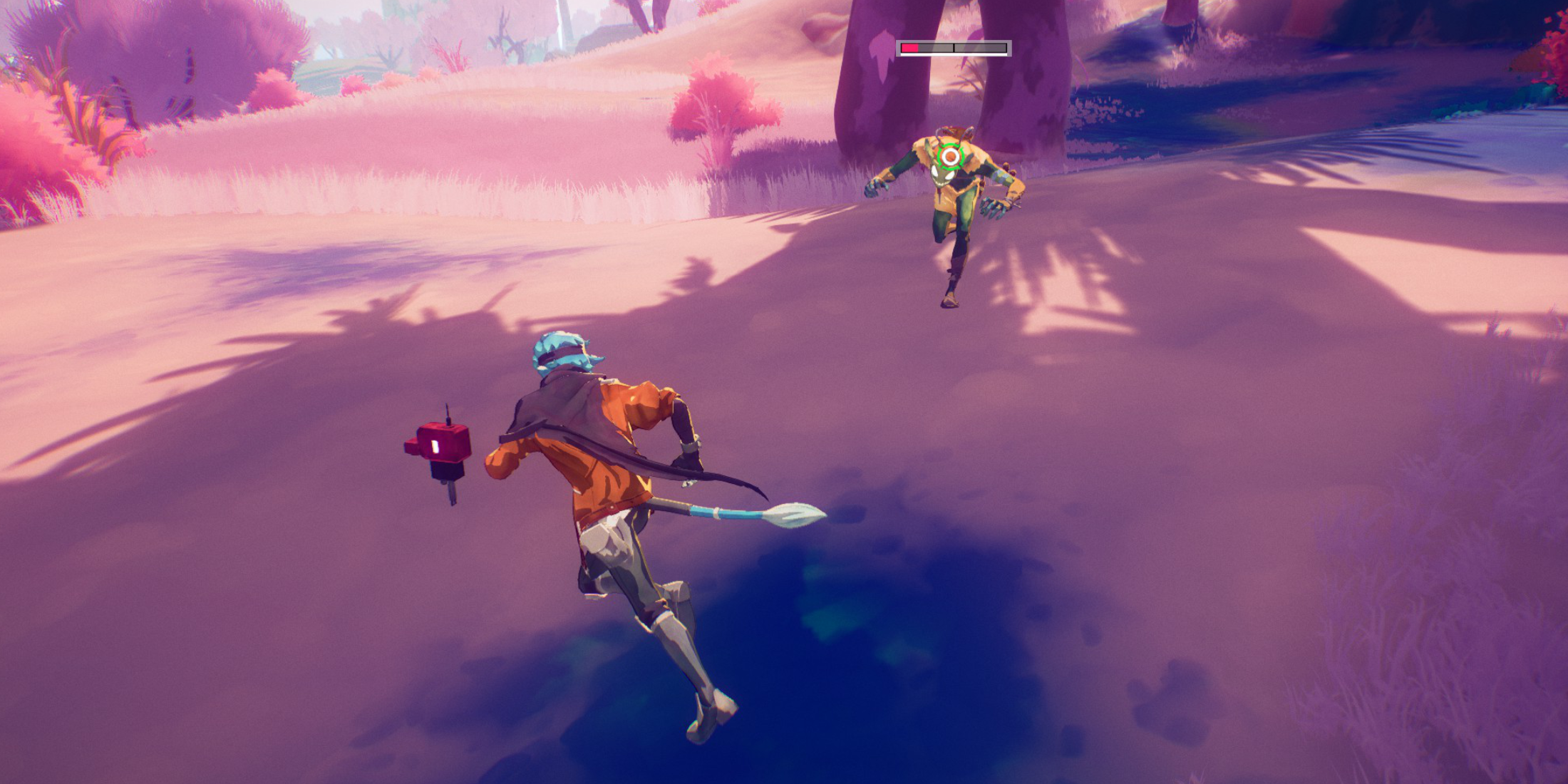 To target a specific enemy, center your view on your target and press in the right analog stick on your controller (R3). The game will automatically identify the correct target, even within a large group of enemies. Your view will slightly zoom in, and a reticle will appear around your target.
You don't need a direct line of sight to lock onto an enemy. As long as the enemy is visible on-screen and within range, you can initiate a lock-on.
When you lock on, Hyper Light Breaker adjusts your character's movement while the camera remains focused on your target. This can lead to circular movements around the enemy, and fast-moving targets can cause the camera to shift rapidly, potentially altering your character's direction mid-movement.
To switch targets while locked on, simply move the right analog stick left or right. The targeting reticle will jump to the nearest enemy within range.
To cancel the lock-on and revert to the default third-person camera mode, press the right analog stick again. This setting can be customized in the game's settings menu. Additionally, the lock-on will automatically disengage if you move too far from your target.
When Should I Lock On vs Use Free Cam?
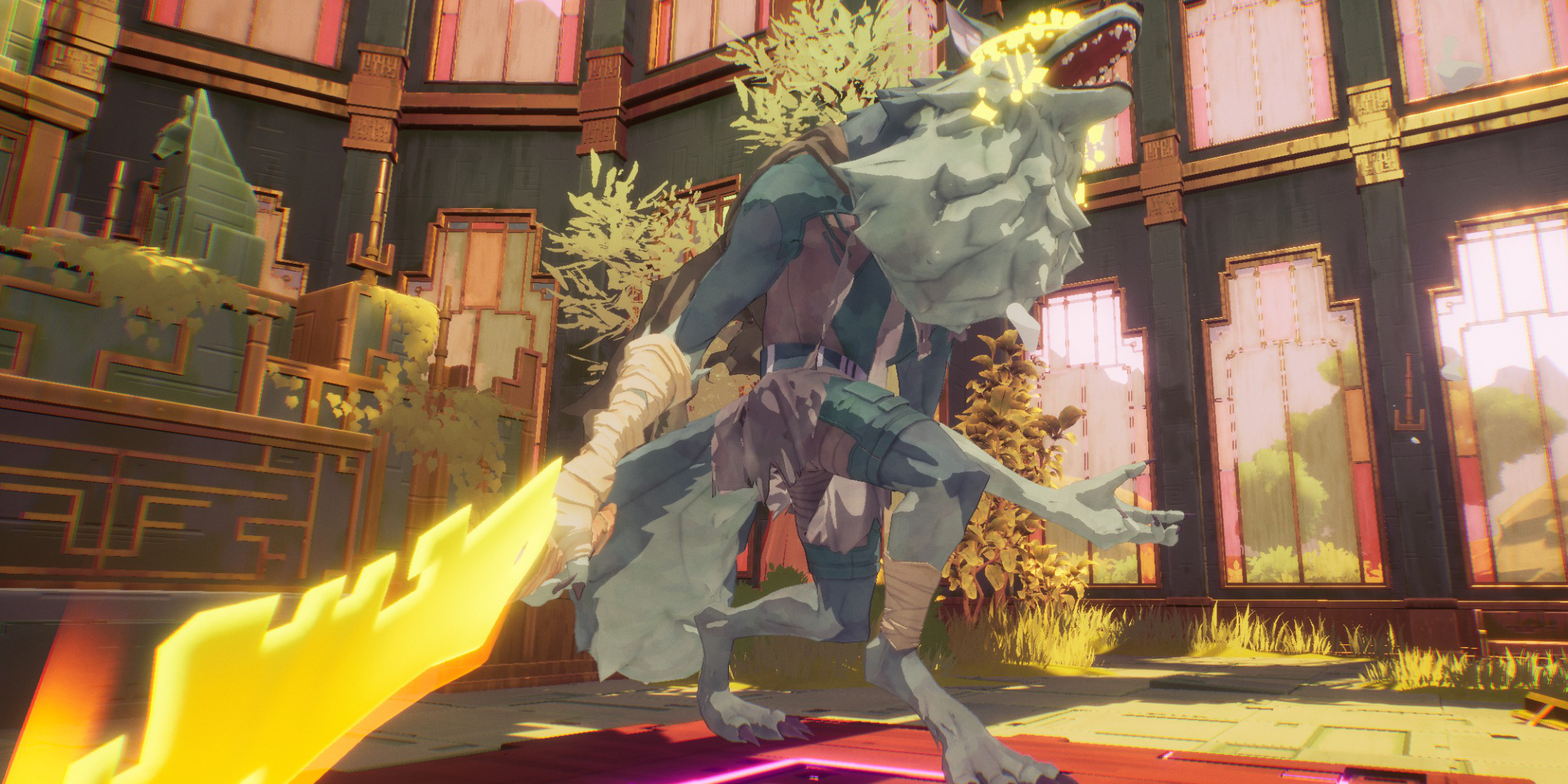 Locking on is advantageous in specific scenarios but can be risky and restrictive in others. Use the lock-on feature during one-on-one battles, such as against bosses or formidable enemies with yellow health bars, but only after clearing out all other lesser enemies.
The lock-on can limit your field of view, making you vulnerable to attacks from other enemies that are out of sight.
For most of the game, the free camera mode is more beneficial. When facing multiple enemies or weaker foes that you can dispatch quickly, there's no need to lock on. This approach allows you to maintain awareness of your surroundings and respond to threats more effectively.
However, when confronting a mini-boss or boss after clearing out minor enemies, locking on can help keep the target centered on your screen. If additional enemies appear, it's wise to cancel the lock-on to handle the new threats, then re-engage the lock-on to focus on the boss once the area is clear.
For instance, during the Extraction phase, you'll encounter several waves of regular enemies followed by a mini-boss. It's best to use free cam until you've eliminated all the regular enemies, then lock onto the mini-boss to concentrate your efforts without distractions.
Latest Articles
Hand-Drawn Photography Adventure Game TOEM Opens Pre-Registration on Mobile
BAFTA-winning title TOEM: A Photo Adventure arrives on mobile devices worldwide.
Developed by Swedish indie studio Something We Made, pre-registration for TOEM is now available on Android. The official release date is set for October 22nd.
Fun fact:
Mutants: Genesis Hits iOS, Android, Steam After Early Access
Clash Royale players finally get to witness the highly anticipated evolution of the Inferno Dragon. After nearly a decade without an upgrade, this fiery Legendary card receives a powerful transformation. The developers at Supercell teamed up with Fin
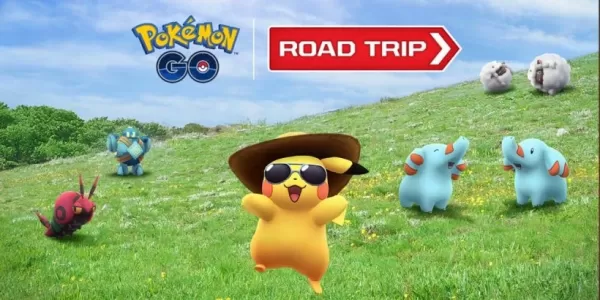
Pokemon GO Road Trip 2025 Details, Summer Pikachu Available
Experience Pokémon GO Road Trip Truck stops in the gameFind Wooloo, Phanpy, and Alolan Geodude in the wildSummer-style Pikachu makes a special appearanceIf today's new details don't get you excited for the Pokemon GO Road Trip 2025, nothing will. Thi
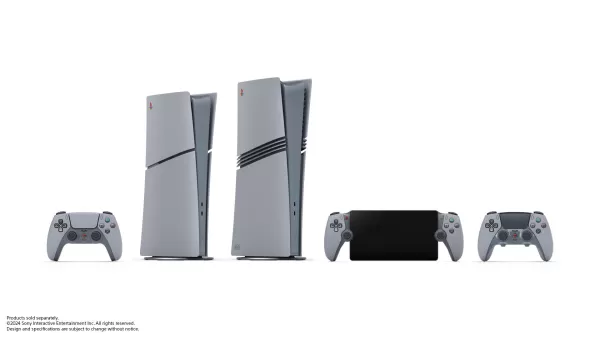
PlayStation Stars Shuts Down After 3 Years
Sony has announced the discontinuation of its PlayStation Stars loyalty program less than three years after its introduction.The rewards initiative stopped accepting new members today, with exiting participants unable to rejoin. Canceling membership
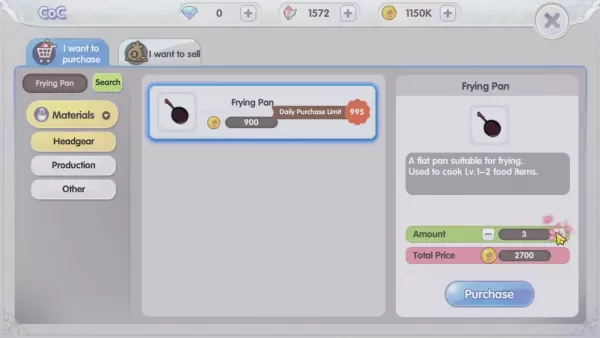
Mastering Cooking in Ragnarok X: Next Generation
Cooking in Ragnarok X: Next Generation is a dynamic system that enhances combat, resource gathering, and character progression. Preparing dishes grants temporary boosts, improving dungeon survivabilit
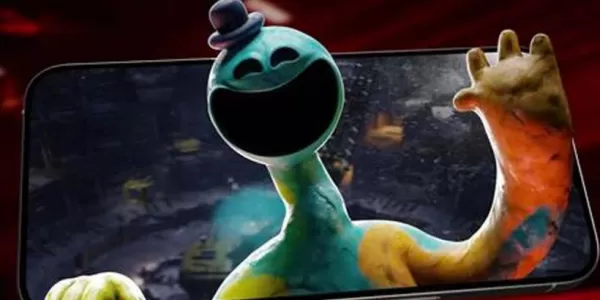
Poppy Playtime Chapter 4 Launches with Introductory Sale
Uncover new characters and a deeper backstoryNavigate the depths of the Playtime Co. factoryLimited-time introductory discount availableMob Entertainment has officially released Poppy Playtime Chapter 4, allowing you to dive into the next chilling ch
Latest Games
Cartas do Caos
Card丨21.1 MB
Klaverjassen - Rotterdams
Card丨9.2 MB
OPA! - Family Card Game
Card丨152.9 MB
Kindza Poker
Casino丨73.1 MB
Magic Vegas Casino Slots
Casino丨97.5 MB
Jewel Water World
Casual丨76.8 MB
Reaction Time Training
Casual丨27.3 MB
Truth Or Dare 2 - Chat Party
Casual丨23.4 MB









Top News
MORE +


01
01-07
BREAKING: Flight Simulator 2024 Login Woes Ground Players
Flight Simulator 2024 Launch Plagued by Technical Difficulties
The highly anticipated launch of Flight Simulator 2024 has been significantly hampered by widespread technical problems, leaving many players grounded before they could even take to the virtual skies. This article details the reported d
02
01-06
CDPR acknowledged weak gameplay in The Witcher 3
The Witcher 3, while critically acclaimed, wasn't without its flaws. Many fans felt the combat system fell short.
In a recent interview, Witcher 4's game director, Sebastian Kalemba, acknowledged weaknesses in the previous game's gameplay, specifically highlighting the need for significant improvem
03
11-17
Hogwarts Legacy 2 is "One of the Biggest Priorities" for WB Games
Following the successful launch of Quidditch Champions this week, Warner Bros. Discovery has confirmed its plans for a sequel to last year's Harry Potter-based action RPG hit Hogwarts Legacy—2023's best-selling game.Hogwarts Legacy Sequel Plans Confirmed by Warner Bros. DiscoveryExpected in
04
11-16
Airplane Chefs Brings The Ultimate Snack, Pringles, On Board!
Buckle up for some snacks as Nordcurrent has just dropped an exciting event for their cooking game. It’s the most unexpected collab of Airplane Chefs and Pringles. If you’ve been enjoying your virtual life as a flight attendant, things are about to get a lot tastier.The game developer behind p
05
11-16
Play Together to collaborate with Sanrio and introduce new My Melody and Kuromi content
Play Together is bringing back its Sanrio collab with the appearance of My Melody and KuromiYou can collect coins by completing their themed missions that can then be used to draw exclusive itemsAs a bonus there's also new summer-themed content and events, including a major bug huntPlay Together, th
Topics
More +

