
"Guide to Obtaining and Using the Recharge Drone in R.E.P.O."
Author : Blake
Apr 10,2025
In the spine-chilling universe of R.E.P.O., mastering the use of items is crucial for advancing through levels and avoiding the dreaded Disposal Arena. Among these vital tools, Recharge Drones stand out as essential for ensuring your survival and success. Let's dive into how you can obtain and utilize these game-changing devices.
What Recharge Drones Do
In R.E.P.O., the Service Station offers a variety of items, some of which are single-use, like Mines and Grenades. Others, however, come with a "battery life" that can be restored using Energy Crystals. Early in the game, you'll spot a container-like object in your truck, which is key to recharging your weapons or drones, albeit at the cost of an Energy Crystal.
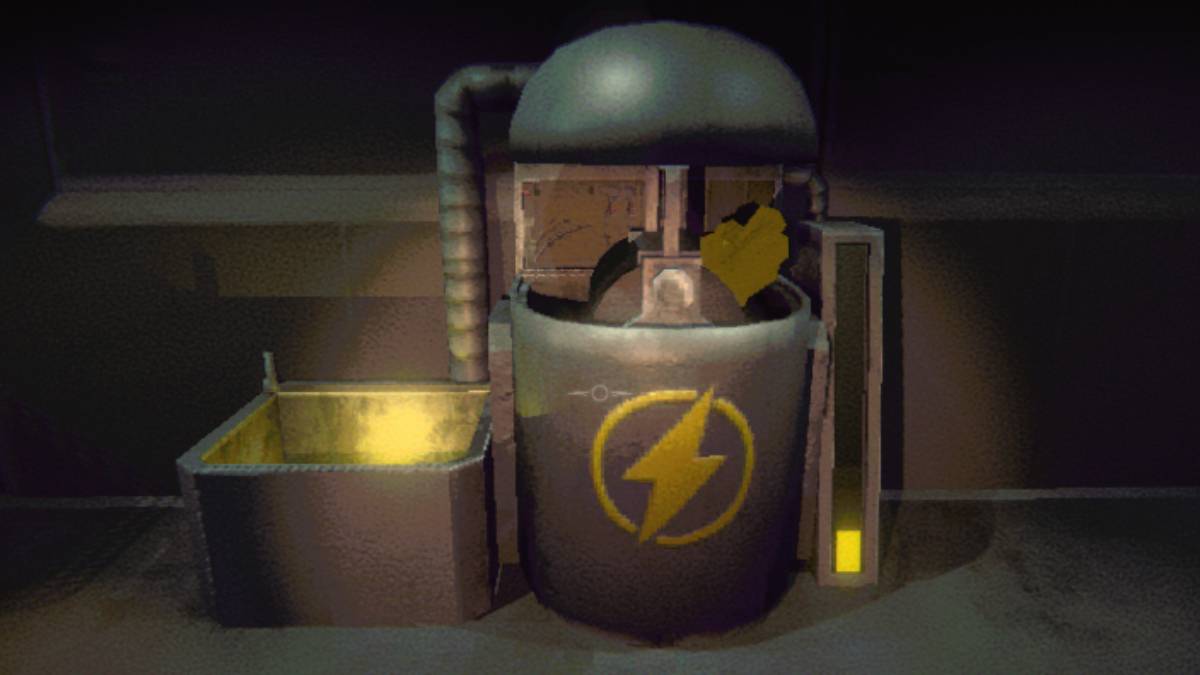
When you buy additional Energy Crystals, they seamlessly integrate into the container, eliminating any worry about their disappearance post-purchase. To recharge an item, simply place it in the yellow bucket adjacent to the container, and watch as it regains its full health. This method is invaluable for maintaining your gear in top condition, readying you to face the relentless onslaught of monsters in subsequent levels.
However, the intensity of some levels can accelerate the wear and tear of your items. While you can recharge them using Energy Crystals at various locations, you won't always have immediate access to your truck. This is where the Recharge Drone becomes indispensable, allowing you to manage your items' energy efficiently on the move.
How to Get and Use the Recharge Drone in R.E.P.O.
The Recharge Drone, like other items and upgrades, becomes available at the Service Station, which you reach after successfully completing a level. Here, you can equip yourself with the necessary tools to ease your journey through the next level, provided you have the funds.
Given that items at the Service Station spawn randomly, it might take several visits before the Recharge Drone appears. Once it does, it's yours for a price ranging between $4-5K. This compact cube will occupy one of your inventory slots, so choose to assign it to slot 1, 2, or 3 upon purchase.
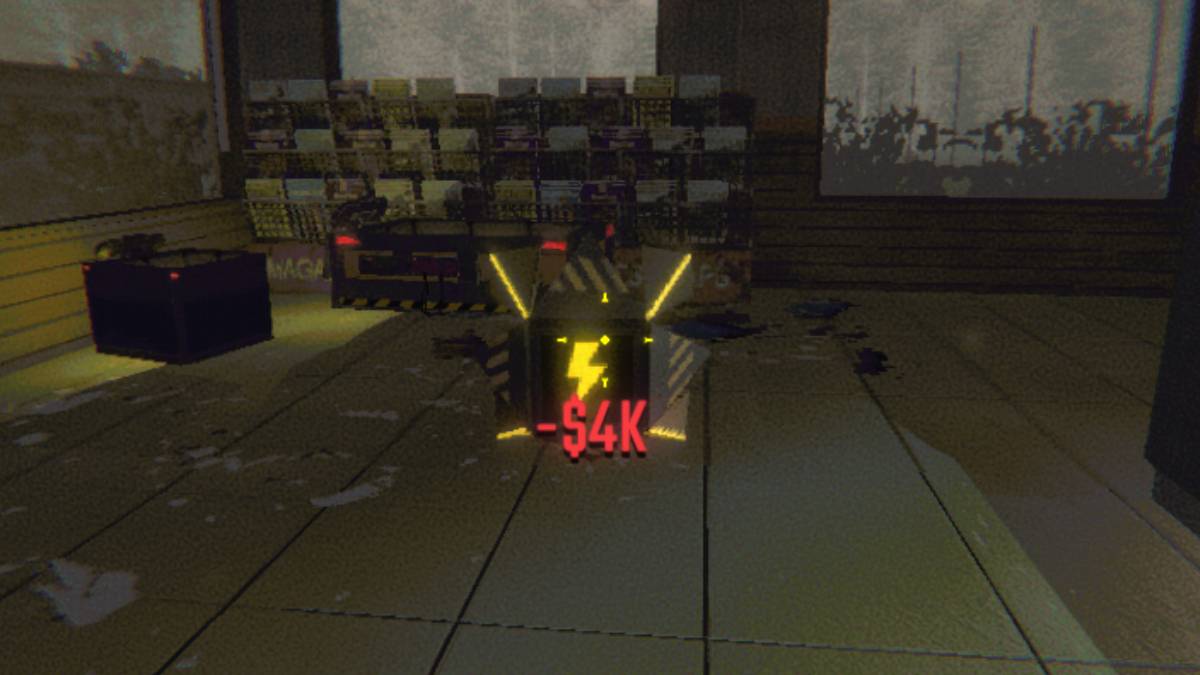
You can monitor your items' health through the battery bar displayed beneath them. To recharge an item, select the Recharge Drone, activate it with the 'E' key, and attach the depleted item. Let the drone work its magic! When the drone's battery runs out, you can recharge it using Energy Crystals in your truck's container.
Now that you're equipped with the knowledge of how to find and use the Recharge Drone in R.E.P.O., you're better prepared to navigate the horrors that await and keep your gear in fighting shape.
Latest Articles
Hand-Drawn Photography Adventure Game TOEM Opens Pre-Registration on Mobile
BAFTA-winning title TOEM: A Photo Adventure arrives on mobile devices worldwide.
Developed by Swedish indie studio Something We Made, pre-registration for TOEM is now available on Android. The official release date is set for October 22nd.
Fun fact:

Mutants: Genesis Hits iOS, Android, Steam After Early Access
Clash Royale players finally get to witness the highly anticipated evolution of the Inferno Dragon. After nearly a decade without an upgrade, this fiery Legendary card receives a powerful transformation. The developers at Supercell teamed up with Fin

Pokemon GO Road Trip 2025 Details, Summer Pikachu Available
Experience Pokémon GO Road Trip Truck stops in the gameFind Wooloo, Phanpy, and Alolan Geodude in the wildSummer-style Pikachu makes a special appearanceIf today's new details don't get you excited for the Pokemon GO Road Trip 2025, nothing will. Thi

PlayStation Stars Shuts Down After 3 Years
Sony has announced the discontinuation of its PlayStation Stars loyalty program less than three years after its introduction.The rewards initiative stopped accepting new members today, with exiting participants unable to rejoin. Canceling membership
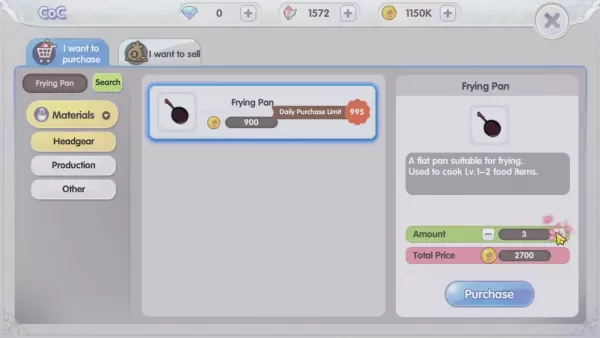
Mastering Cooking in Ragnarok X: Next Generation
Cooking in Ragnarok X: Next Generation is a dynamic system that enhances combat, resource gathering, and character progression. Preparing dishes grants temporary boosts, improving dungeon survivabilit
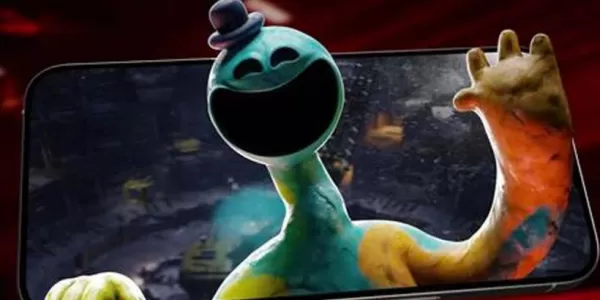
Poppy Playtime Chapter 4 Launches with Introductory Sale
Uncover new characters and a deeper backstoryNavigate the depths of the Playtime Co. factoryLimited-time introductory discount availableMob Entertainment has officially released Poppy Playtime Chapter 4, allowing you to dive into the next chilling ch
Latest Games

Shanghai Chinese Chess Mahjong
Casino丨12.0 MB
Keno 20 Card
Casino丨43.2 MB

Gold Fortune Slot Casino Game
Casino丨105.8 MB

Cooking ASMR
Puzzle丨167.3 MB

Coins Collector Inc. Idle
Puzzle丨59.8 MB



DOP Delete Stories
Puzzle丨176.3 MB









Top News
MORE +


01
01-06
CDPR acknowledged weak gameplay in The Witcher 3
The Witcher 3, while critically acclaimed, wasn't without its flaws. Many fans felt the combat system fell short.
In a recent interview, Witcher 4's game director, Sebastian Kalemba, acknowledged weaknesses in the previous game's gameplay, specifically highlighting the need for significant improvem
02
01-07
BREAKING: Flight Simulator 2024 Login Woes Ground Players
Flight Simulator 2024 Launch Plagued by Technical Difficulties
The highly anticipated launch of Flight Simulator 2024 has been significantly hampered by widespread technical problems, leaving many players grounded before they could even take to the virtual skies. This article details the reported d
03
11-17
Hogwarts Legacy 2 is "One of the Biggest Priorities" for WB Games
Following the successful launch of Quidditch Champions this week, Warner Bros. Discovery has confirmed its plans for a sequel to last year's Harry Potter-based action RPG hit Hogwarts Legacy—2023's best-selling game.Hogwarts Legacy Sequel Plans Confirmed by Warner Bros. DiscoveryExpected in
04
11-16
Airplane Chefs Brings The Ultimate Snack, Pringles, On Board!
Buckle up for some snacks as Nordcurrent has just dropped an exciting event for their cooking game. It’s the most unexpected collab of Airplane Chefs and Pringles. If you’ve been enjoying your virtual life as a flight attendant, things are about to get a lot tastier.The game developer behind p
05
11-16
Play Together to collaborate with Sanrio and introduce new My Melody and Kuromi content
Play Together is bringing back its Sanrio collab with the appearance of My Melody and KuromiYou can collect coins by completing their themed missions that can then be used to draw exclusive itemsAs a bonus there's also new summer-themed content and events, including a major bug huntPlay Together, th
Topics
More +

