
How to Use Photo Mode in Kingdom Come Deliverance 2
Author : Stella
Mar 06,2025
Capture the Beauty of Kingdom Come: Deliverance 2 with Photo Mode
Kingdom Come: Deliverance 2 boasts stunning visuals, especially in fidelity mode. Want to preserve that beauty beyond gameplay? The game features a built-in photo mode; here's how to use it.
Activating Photo Mode in Kingdom Come: Deliverance 2
Unlike some games that add photo mode later (or not at all!), Kingdom Come: Deliverance 2 includes it from launch. Activation is simple:
- PC: Press F1 on your keyboard, or simultaneously press L3 and R3 on a joypad.
- Xbox Series X|S / PlayStation 5: Simultaneously press L3 and R3 on your joypad. (L3 and R3 refer to pressing both joystick sticks inward.)
Once activated, time pauses, and you're ready to shoot!
Using Photo Mode Controls
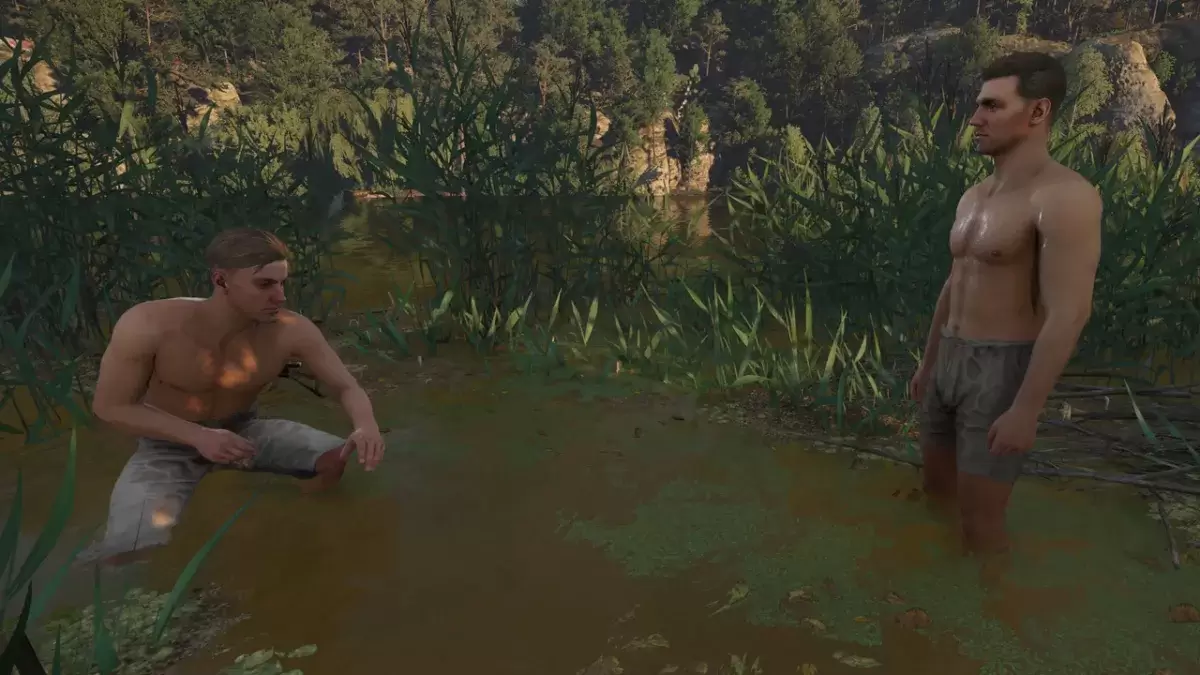
Photo mode offers camera movement and zoom. Here's the control breakdown:
Xbox Series X|S:
- Rotate camera: Left Stick
- Move camera horizontally: Right Stick
- Move camera up: Left Trigger/LT
- Move camera down: Right Trigger/RT
- Hide Interface: X
- Exit photo mode: B
- Take picture: Press Xbox button, then Y
PlayStation 5:
- Rotate camera: Left Stick
- Move camera horizontally: Right Stick
- Move camera up: Left Trigger/LT
- Move camera down: Right Trigger/RT
- Hide interface: Square
- Exit photo mode: Circle
- Take picture: Press the Share button and select "Take Screenshot" (or hold down Share).
PC (Keyboard and Mouse):
- Move camera: Mouse
- Slow move: Caps Lock
- Hide interface: X
- Exit photo mode: Esc
- Take picture: E
PC screenshots save to your Pictures folder; console screenshots are saved to your console's capture gallery.
Limitations of Kingdom Come: Deliverance 2's Photo Mode
Currently, the photo mode's features are somewhat limited. While you can freely position the camera (within a certain range of Henry), options like character posing, color grading, time of day adjustment, or adding other characters are absent. Hopefully, future updates will expand its capabilities.
Despite its current limitations, the inclusion of a photo mode is a welcome addition, allowing players to easily capture the game's breathtaking scenery.
Latest Articles
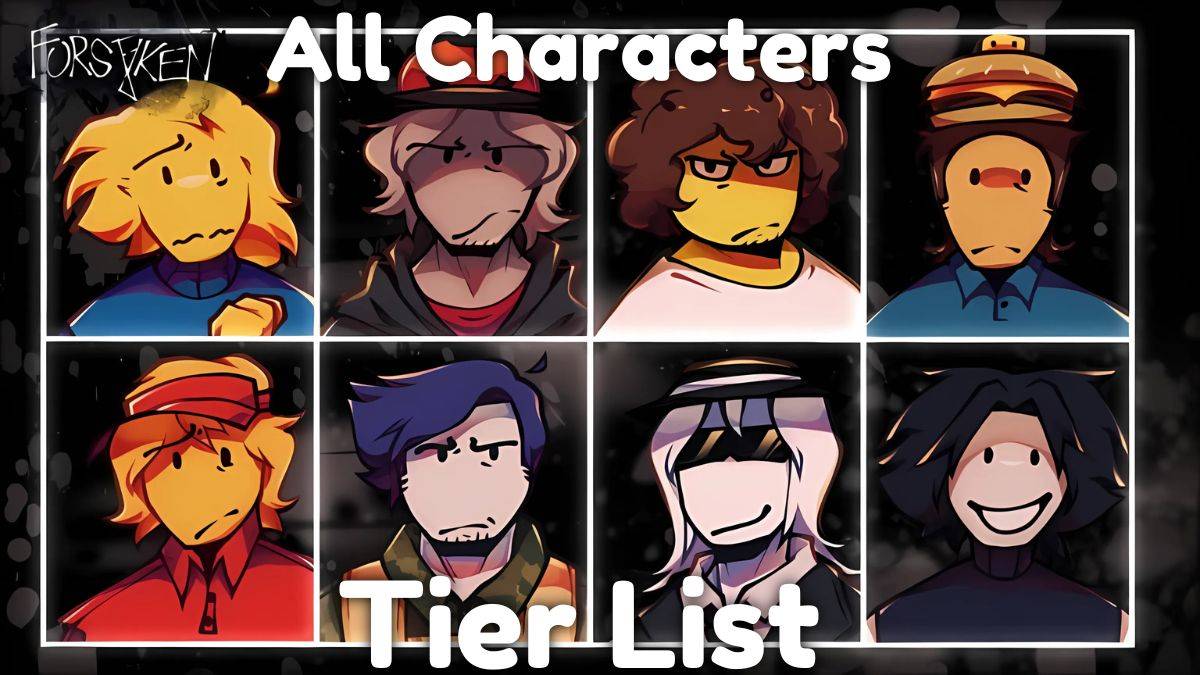
2025 Roblox Forsaken Characters Tier List
Forsaken is a Roblox game that captures the thrilling killer-versus-survivor gameplay seen in titles like Dead by Daylight, while adding its own unique spin. It delivers an exhilarating and highly replayable experience by refining this asymmetric sur
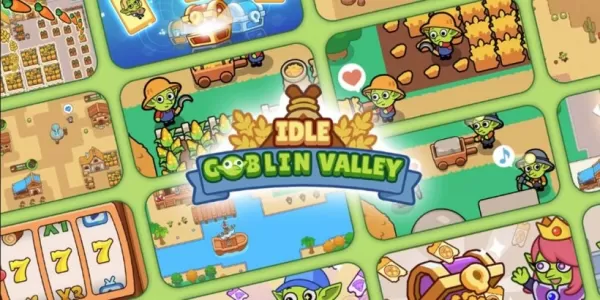
Goblin Valley: Cozy Home Game Opens Pre-Registration
Build and expand your thriving goblin farm villageInteract with quirky goblins, each with unique personalitiesMonitor and fulfill your goblin residents' needsUnimob Global has recently launched pre-registrations for Idle Goblin Valley: Chill Farm, of

Heartopia is kicking off its first closed beta test next month
The initial CBT runs from November 4th through the 18thEngage in hobbies such as fishing, birdwatching, and cookingAdopt pets, customize your home interior, and design unique outfitsHeartopia, XD Games’ highly anticipated life simulation title announ
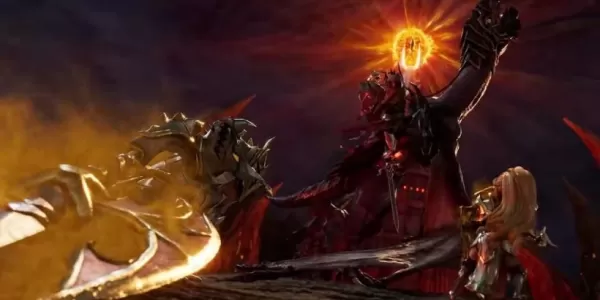
Summoners War set to host collaboration with the iconic fantasy book series The Lord of the Rings
Summoners War: Sky Arena has teamed up with none other than The Lord of the Rings.
Set to launch later this month, the collaboration brings iconic characters from the Fellowship and beyond into the game.
The Lord of the Rings needs no introduction—it
Another Eden expands its Chrono Cross collaboration content with Glenn and new story
Another Eden is introducing fresh content to its existing Chrono Cross collaboration materialThe release includes a beloved character named Glenn from The Cursed DragoonA new character and upcoming events are also being added to honor Japan Cat DayAl

The $13 FrSara Portable Neck Fan Is an Inexpensive Solution to Beating the Summer Heat
Summer has arrived, and neck fans are seeing a surge in popularity. These portable fans offer a simple, effective, and affordable way to stay cool and comfortable. Amazon is currently offering 50% off the FrSara Rechargeable Portable Neck Fan with th
Latest Games

Edge: Formerly PeerBet
Casual丨66.4 MB
Merge Block - number games
Casual丨26.8 MB


DIY Cake Maker
Casual丨66.0 MB

Rise Up: Fun Strategy Game
Casual丨13.6 MB

Lyriko
Educational丨121.7 MB

Farm animals
Educational丨83.1 MB

Scube
Educational丨55.44MB










Top News
MORE +


01
01-07
BREAKING: Flight Simulator 2024 Login Woes Ground Players
Flight Simulator 2024 Launch Plagued by Technical Difficulties
The highly anticipated launch of Flight Simulator 2024 has been significantly hampered by widespread technical problems, leaving many players grounded before they could even take to the virtual skies. This article details the reported d
02
01-06
CDPR acknowledged weak gameplay in The Witcher 3
The Witcher 3, while critically acclaimed, wasn't without its flaws. Many fans felt the combat system fell short.
In a recent interview, Witcher 4's game director, Sebastian Kalemba, acknowledged weaknesses in the previous game's gameplay, specifically highlighting the need for significant improvem
03
11-17
Hogwarts Legacy 2 is "One of the Biggest Priorities" for WB Games
Following the successful launch of Quidditch Champions this week, Warner Bros. Discovery has confirmed its plans for a sequel to last year's Harry Potter-based action RPG hit Hogwarts Legacy—2023's best-selling game.Hogwarts Legacy Sequel Plans Confirmed by Warner Bros. DiscoveryExpected in
04
11-16
Airplane Chefs Brings The Ultimate Snack, Pringles, On Board!
Buckle up for some snacks as Nordcurrent has just dropped an exciting event for their cooking game. It’s the most unexpected collab of Airplane Chefs and Pringles. If you’ve been enjoying your virtual life as a flight attendant, things are about to get a lot tastier.The game developer behind p
05
11-16
Play Together to collaborate with Sanrio and introduce new My Melody and Kuromi content
Play Together is bringing back its Sanrio collab with the appearance of My Melody and KuromiYou can collect coins by completing their themed missions that can then be used to draw exclusive itemsAs a bonus there's also new summer-themed content and events, including a major bug huntPlay Together, th
Topics
More +

