
Affordable Gaming Monitors Optimized for In-Game Dominance
Author : Adam
Feb 25,2025
The prices of high-end gaming monitors have skyrocketed, especially those boasting OLED panels, large screens, high refresh rates, and sharp resolutions. However, there's still a fantastic selection of affordable options that don't compromise on image quality and features as much as you might think. This guide highlights the best budget gaming monitors available in 2024.
TL;DR – Best Budget Gaming Monitors:
 Top Pick: Xiaomi G Pro 27i Mini-LED Gaming Monitor
See it on Amazon Best 1080p: Asus TUF Gaming VG277Q1A
See it on Amazon Best 1440p: LG UltraGear 27GN800-B
See it on Amazon/Target Best 4K: KTC H27P22S
See it on Amazon Best Ultrawide: Dell S3422DWG
Budget monitors might lack some advanced features, but they still deliver excellent visuals for gaming PCs, even with mid-range GPUs and CPUs. While compromises exist (e.g., adjustable stands, KVM switches), prioritizing performance and essential features yields excellent value. However, be wary of extremely cheap monitors; they may be short-lived and potentially harmful to your eyes.
Contributions by Danielle Abraham, Matthew S. Smith
For current deals, see the best gaming monitor deals.
1. Xiaomi G Pro 27i Mini-LED Gaming Monitor – Best Overall
- Exceptional picture quality at a great price. Amazon Link
- Specifications: 27”, 16:9, 2560x1440, IPS, 1000 cd/m², 180Hz, 1ms
- Pros: High brightness, deep contrast, accurate colors, excellent HDR, 1152 local dimming zones.
- Cons: Bloom on dark grays, no USB hub.
The Xiaomi G Pro 27i is a standout, offering mini-LED backlighting with full-array local dimming (FALD) and 1152 dimming zones – a feature usually found in much more expensive monitors. This significantly reduces blooming, resulting in a superior HDR experience closer to OLEDs without the burn-in risk. It boasts a 180Hz refresh rate, accurate colors, and compatibility with FreeSync and G-Sync. The lack of a USB hub and HDMI 2.0 limitation are minor drawbacks considering its overall quality.
2. Asus TUF Gaming VG277Q1A – Best Budget 1080p
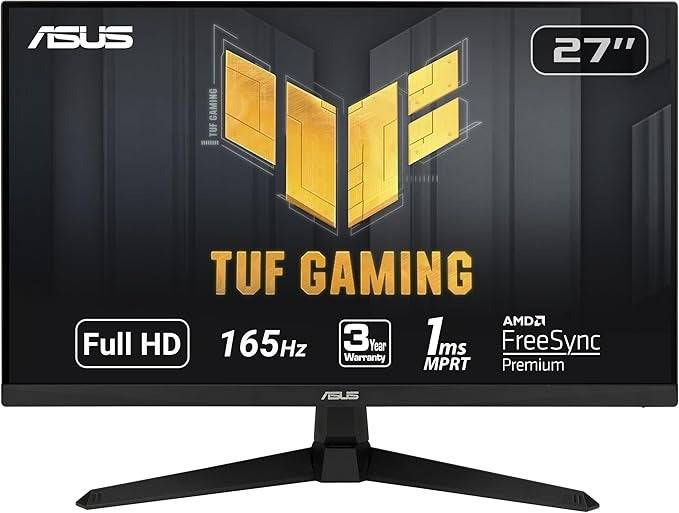
- Excellent gaming performance at around $150. Amazon Link
- Specifications: 27”, 16:9, 1920x1080, VA, FreeSync Premium, G-Sync Compatible, 350 cd/m², 165Hz, 1ms
- Pros: Great colors and contrast, ELMB support, VESA mount.
- Cons: Non-adjustable height, lower pixel density.
The Asus TUF Gaming VG277Q1A provides impressive value. Its VA panel delivers deep blacks and wide dynamic range, while its 1ms response time and features like ELMB and Shadow Boost enhance gameplay. The non-adjustable stand and lower pixel density due to 1080p resolution are its main drawbacks.
3. LG UltraGear 27GN800-B – Best Budget 1440p
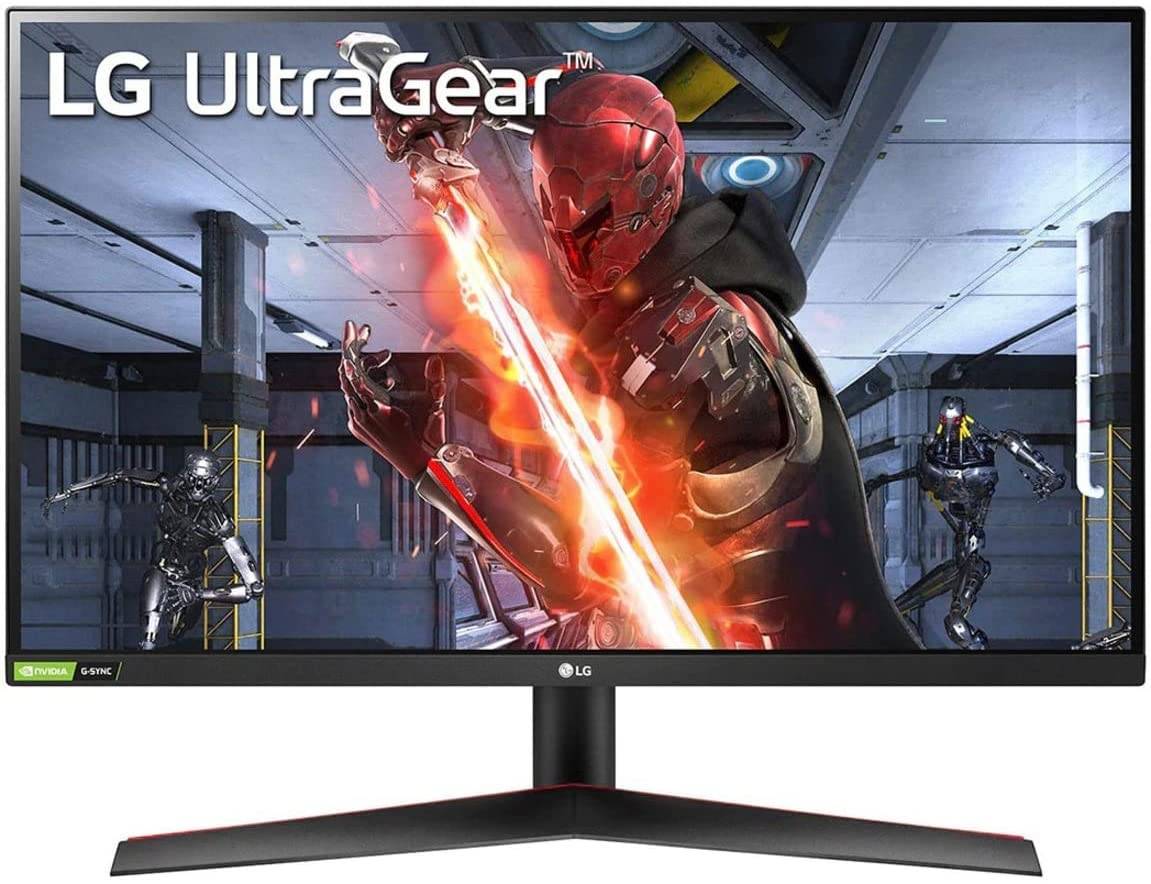
- 1440p resolution, adaptive sync, and accurate colors for under $300. Amazon/Target Link
- Specifications: 27”, 16:9, 2560x1440, IPS, FreeSync, G-Sync, 1ms, 144Hz
- Pros: Solid HDR gaming, accurate colors, Low Framerate Compensation.
- Cons: Non-adjustable height.
The LG UltraGear 27GN800-B offers a significant resolution upgrade to 1440p with accurate colors and a 144Hz refresh rate, along with FreeSync and G-Sync compatibility and Low Framerate Compensation. The lack of height adjustment is its primary drawback.
4. KTC H27P22S – Best Budget 4K
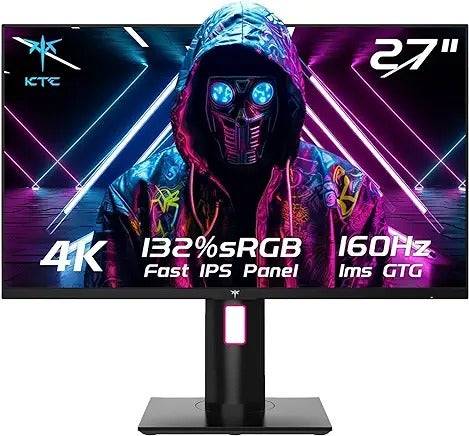
- Fast and fantastic 4K picture on a budget. Amazon Link
- Specifications: 27”, 16:9, 3840x2160, IPS, FreeSync Premium, G-Sync Compatible, 400 cd/m², 160Hz, 1ms
- Pros: Sharp 4K screen, HDMI 2.1 for consoles, fast refresh rate.
- Cons: No USB connectivity, not factory calibrated.
The KTC H27P22S delivers a compelling 4K gaming experience at a reasonable price, with a 160Hz refresh rate and HDMI 2.1 support. While not factory calibrated and lacking USB connectivity, its overall performance makes it a strong contender.
5. Dell S3422DWG – Best Ultrawide Budget
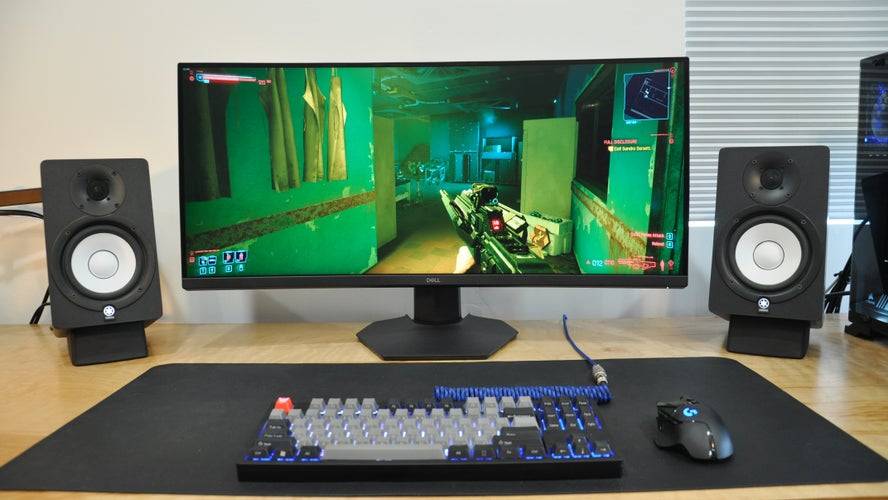
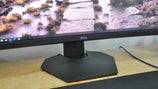
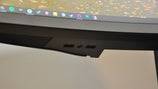

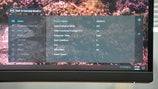
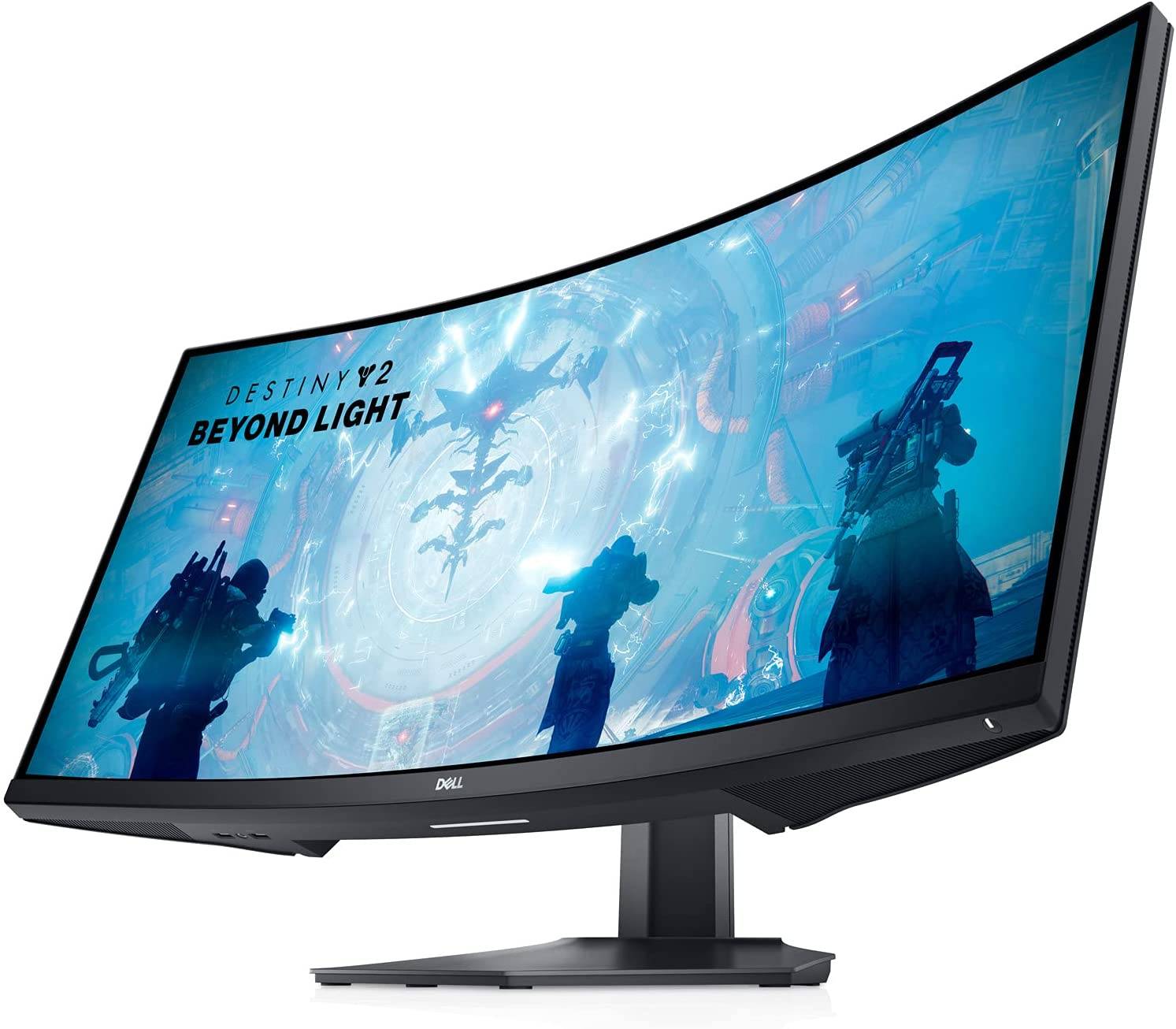
- Immersive ultrawide curved monitor with 1440p/144Hz. Amazon/Dell Link
- Specifications: 34”, 21:9, 3440x1440, VA, FreeSync, 400 cd/m², 144Hz, 1ms
- Pros: Great contrast, immersive curved display, height-adjustable stand, USB hub.
- Cons: Minor ghosting.
The Dell S3422DWG offers an immersive ultrawide experience at a budget-friendly price. Its VA panel provides rich contrast, and the 144Hz refresh rate ensures smooth gameplay. Minor ghosting is a minor drawback.
How Much to Spend & Key Considerations:
The $200-$300 range offers excellent value. Compromises are inevitable, but a well-chosen monitor should last several years. Consider these factors:
- Resolution: 1080p is budget-friendly but less sharp than 1440p or 4K. 1440p offers a better balance of detail and system requirements. 4K requires more powerful hardware.
- Refresh Rate: 144Hz is a good all-around choice, while 240Hz is better for competitive gaming.
- Panel Type: IPS offers better motion clarity and colors, while VA provides superior contrast. Mini-LED backlighting (like in the Xiaomi) offers the best of both worlds.
- Screen Size: 27" is a good balance for most users; consider your desk space.
FAQs:
- Best Panel Type: Depends on priorities. IPS for color and motion clarity, VA for contrast. Mini-LED is superior if within budget.
- When are Monitors Cheapest?: Prime Day, Black Friday, Back to School sales.
- Monitor Size: Consider desk space, resolution, and pixel density. 24" for 1080p, 27-32" for 1440p, 27"+ for 4K. Avoid large 1080p monitors due to the screen door effect.
Remember to check for G-Sync or FreeSync compatibility based on your graphics card. While many budget monitors advertise HDR, 400-nit brightness limits its effectiveness.
Latest Articles

My Little Pomodoro Boosts Focus, Hits Android
Most productivity timers demand your focus. Devfloor's new release, My Little Pomodoro: Focus, actually gives something in return. This charming Android app transforms concentration into a rewarding experience rather than a tedious obligation.Underst
Tekken 8 Director Slams Fan Over Anna Williams' New Look: 'Unconstructive and Pointless'
Play
Tekken 8 veteran Anna Williams is making her return to the roster, and while her redesigned look has been well received by the majority of fans, it has also sparked some debate—particularly over comparisons of her new outfit to Santa Claus.
When a fan asked Tekken game director and chief prod
Ready or Not Shares Update in Censorship and Review-Bomb Fight
VOID Interactive has responded to player criticism following updates to the PC version of its controversial shooter Ready or Not, implemented to secure its console release. The studio clarified there have been "misconceptions and misinformation" rega

Colors of Life: 365 New Mobile Puzzles Annually
Colors of Life is an Android game that offers a fresh take on coloring. As the name suggests, you fill in colors, combining classic color-by-number mechanics with pixel art style. Developed by Rursus, it’s free to play with optional extras available
Classic Fire Emblem Game Hits Nintendo Switch Online
Surprise! Fire Emblem: The Sacred Stones is now available in the Nintendo Switch Online game library.Originally hitting the Game Boy Advance in 2004, this title only reached Western audiences in 2005. It’s a standalone story following Renais' twin ro

Madoka Magica: Magia Exedra Scene 0 Part 1 Release Imminent
Puella Magi Madoka Magica Magia Exedra is set to launch a new update soon. Aniplex is introducing a limited-time event quest titled "Puella Magi Madoka Magica: Scene 0 Part I." This marks the beginning of a three-part story arc that will later integr
Latest Games



Project Pentjet
Music丨6.51MB

3D World - Puzzle game
Educational丨63.75MB

تخته نرد حرفه ای
Card丨3.20M
Militar Macizo
Action丨32.8 MB

Obama Run!
Action丨78.6 MB

Rake Monster
Action丨200.2 MB









Top News
MORE +


01
01-07
BREAKING: Flight Simulator 2024 Login Woes Ground Players
Flight Simulator 2024 Launch Plagued by Technical Difficulties
The highly anticipated launch of Flight Simulator 2024 has been significantly hampered by widespread technical problems, leaving many players grounded before they could even take to the virtual skies. This article details the reported d
02
01-06
CDPR acknowledged weak gameplay in The Witcher 3
The Witcher 3, while critically acclaimed, wasn't without its flaws. Many fans felt the combat system fell short.
In a recent interview, Witcher 4's game director, Sebastian Kalemba, acknowledged weaknesses in the previous game's gameplay, specifically highlighting the need for significant improvem
03
11-17
Hogwarts Legacy 2 is "One of the Biggest Priorities" for WB Games
Following the successful launch of Quidditch Champions this week, Warner Bros. Discovery has confirmed its plans for a sequel to last year's Harry Potter-based action RPG hit Hogwarts Legacy—2023's best-selling game.Hogwarts Legacy Sequel Plans Confirmed by Warner Bros. DiscoveryExpected in
04
11-16
Airplane Chefs Brings The Ultimate Snack, Pringles, On Board!
Buckle up for some snacks as Nordcurrent has just dropped an exciting event for their cooking game. It’s the most unexpected collab of Airplane Chefs and Pringles. If you’ve been enjoying your virtual life as a flight attendant, things are about to get a lot tastier.The game developer behind p
05
11-16
Play Together to collaborate with Sanrio and introduce new My Melody and Kuromi content
Play Together is bringing back its Sanrio collab with the appearance of My Melody and KuromiYou can collect coins by completing their themed missions that can then be used to draw exclusive itemsAs a bonus there's also new summer-themed content and events, including a major bug huntPlay Together, th
Topics
More +




